
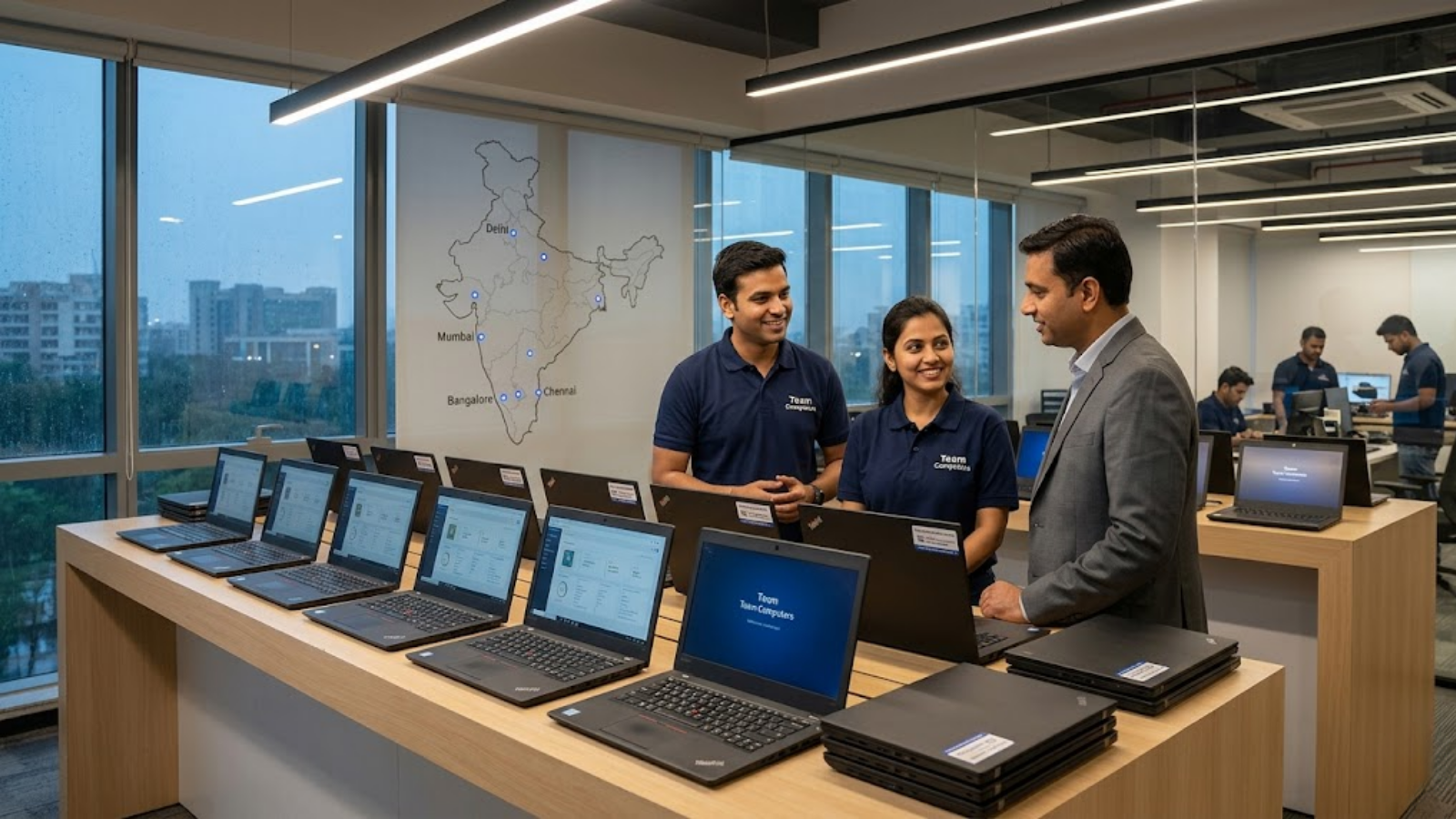
When a logistics giant in Mumbai recently refreshed their fleet of 1,200 devices, they chose the lowest bidder, thinking they’d saved ₹1.5 Crore. Within six months, the hidden costs of poor thermal management and lack of remote bios updates turned that “saving” into a nightmare of helpdesk tickets and lost productivity.
Most IT Heads face this exact tension: the Finance team wants the cheapest B2B laptops in India for bulk deployment, but you’re the one who has to manage the fallout when those machines fail in the field. Procurement often ignores that the sticker price is just the tip of the iceberg in a 2026 enterprise environment. This guide will show you how to navigate the current hardware landscape to ensure your next refresh actually lowers your long-term overhead.
Why device procurement is harder than it looks
Selecting hardware in 2026 isn’t just about comparing processor speeds or RAM anymore. The complexity has shifted from what’s inside the chassis to how the device lives within your ecosystem. Indian enterprises often struggle because our operating environments are uniquely harsh—high ambient temperatures, dust, and erratic power supply are hardware killers that standard consumer-grade laptops simply aren’t built to survive.
Furthermore, the “Work from Anywhere” shift has turned every employee’s home into a satellite office. When you’re deploying b2b laptops across 750+ locations, you aren’t just buying a screen and a keyboard; you’re buying a node that must be secured and managed remotely. If the device doesn’t support modern standards like Autopilot or advanced hardware-level security, your IT team will spend more time shipping units back and forth than actually innovating. The friction between cost-cutting and operational reality is where most IT strategies crumble.
The 4 things most teams get wrong
Rarely do IT departments fail because they lack technical knowledge; they fail because they overlook the “boring” logistics of scale. Here are the most common pitfalls we see across the Indian enterprise landscape:
- Prioritizing Capex over TCO: It’s easy to get lured by the cheapest B2B laptops in India for bulk deployment. However, these units often lack the build quality to last beyond 24 months. When you calculate the cost of mid-cycle replacements, the “cheap” option becomes the most expensive.
- Ignoring Battery Longevity: People often confuse “battery life” with “battery health.” A laptop might last 12 hours today, but if the battery chemistry degrades by 40% in a year, your field sales team will be tethered to wall outlets by 2027.
- Over-speccing for Average Users: We see CIOs buying high-end workstations for HR or Finance teams who spend 90% of their time in browser-based SaaS tools. You’re paying for horsepower that will never be used.
- Neglecting Modern Management: Buying a laptop without a Pro-certified chipset means your team can’t perform out-of-band management. If the OS hangs, someone has to physically touch that device. In a country as vast as India, that’s a logistical disaster.
A step-by-step approach that actually works
Implementing a hardware strategy that scales requires a departure from the “buy and forget” mindset. Follow these steps to ensure your fleet remains an asset rather than a liability.
- Segment Your Workforce Profiles: Before looking at catalogs, define your personas. An “Executive Traveler” needs Business Laptops with Long Battery Life and ultra-light chassis. A “Back-office Analyst” needs port variety and thermal stability. Stop buying a single “standard” model for everyone.
- Evaluate the “Serviceability Index”: In the Indian context, things break. Ask your vendor for the repairability score of the specific model. Can the SSD or RAM be swapped in the field, or is everything soldered to the motherboard?
- Test for the “Heat Factor”: India’s climate is a silent killer of electronics. Ensure your chosen models have undergone MIL-STD-810H testing. This isn’t just marketing fluff; it’s a guarantee that the hinges won’t snap and the fans won’t choke in 40°C heat.
- Audit the Warranty Terms: A “3-year warranty” is meaningless if the turnaround time is 10 days. Insist on NBD (Next Business Day) on-site support, especially for your critical locations.
- Standardize on Management Platforms: If you’re leaning toward Lenovo, understand the A 2026 Guide Lenovo Pro for Business Benefits. Using platforms like ThinkShield or vPro allows your team to patch vulnerabilities without the user even being logged in.
What to look for in an external partner
Here’s the truth: most partners just want to move boxes. They’ll show you a spreadsheet of specs and a low price, then disappear once the invoice is cleared. That’s not what a mid-to-large enterprise needs in 2026. A genuine partner should behave like an extension of your IT team.
They must have a footprint that matches yours. If you have offices in Tier-2 or Tier-3 cities like Coimbatore or Patna, your partner needs to prove they can get a technician there within 24 hours. They should also offer “Configuration Services”—meaning the laptops arrive at your employee’s doorstep already imaged, asset-tagged, and ready to login.
Most importantly, look for financial flexibility. In 2026, the best partners offer Device-as-a-Service (DaaS) models. This allows you to shift from heavy upfront Capex to a predictable Opex model, ensuring your hardware is always refreshed before it becomes a performance bottleneck.
How to know if it’s working
What gets measured gets managed. You’ll know your laptop strategy is successful when your “Mean Time to Resolution” (MTTR) for hardware issues drops by at least 30%. You should also see a measurable decrease in “Ticket Volume per 1000 Devices”—a clear sign that you’ve moved away from fragile, consumer-grade hardware.
Another key signal is employee NPS. When people don’t have to carry chargers to every meeting or wait ten minutes for a reboot, their satisfaction scores go up. Finally, check your “End-of-Life Residual Value.” High-quality b2b laptops retain significant buy-back value even after 3–4 years, whereas cheap bulk units are essentially e-waste.
Practitioner’s Insight: The “Hidden Port” Audit
When auditing bulk laptop samples, don’t just look at the USB ports. Check the internal expansion slots. We recently helped a retail chain save millions by realizing their “budget” laptops lacked a secondary M.2 slot. When they needed to upgrade storage for a new local database app, they had to replace the entire drive instead of just adding a cheap secondary one. Always check for future-proofing in the motherboard layout, not just the spec sheet.
How Long Do Business Laptops Last? Most enterprises expect 3 years, but with the right thermal management and chassis quality, a well-selected business machine should comfortably reach 48 to 60 months of peak performance. The key is avoiding the “cheap laptops” trap where the hinges fail long before the processor becomes obsolete. By investing in the right tier of hardware today, you’re effectively buying back hundreds of hours of your IT team’s time over the next four years.
- Audit your current fleet’s failure rates by model to identify the “lemon” configurations before the next refresh cycle.
- Transition to Zero-Touch Deployment to eliminate the need for your IT staff to unbox and image devices manually.
- Prioritize battery health management software that caps charging at 80% for desk-bound users to double the battery’s lifespan.
- Review your DaaS options to see if shifting to a monthly per-user cost makes more sense than a massive Capex hit this quarter.
Don’t let a “good deal” on b2b laptops become a multi-year drain on your department’s efficiency and reputation.
Find Laptop for Your Business
We’ll help you map your workforce personas to the right hardware and management framework. Ensure your next refresh delivers high performance and low TCO across every Indian location.
Get a Device Strategy Consultation