
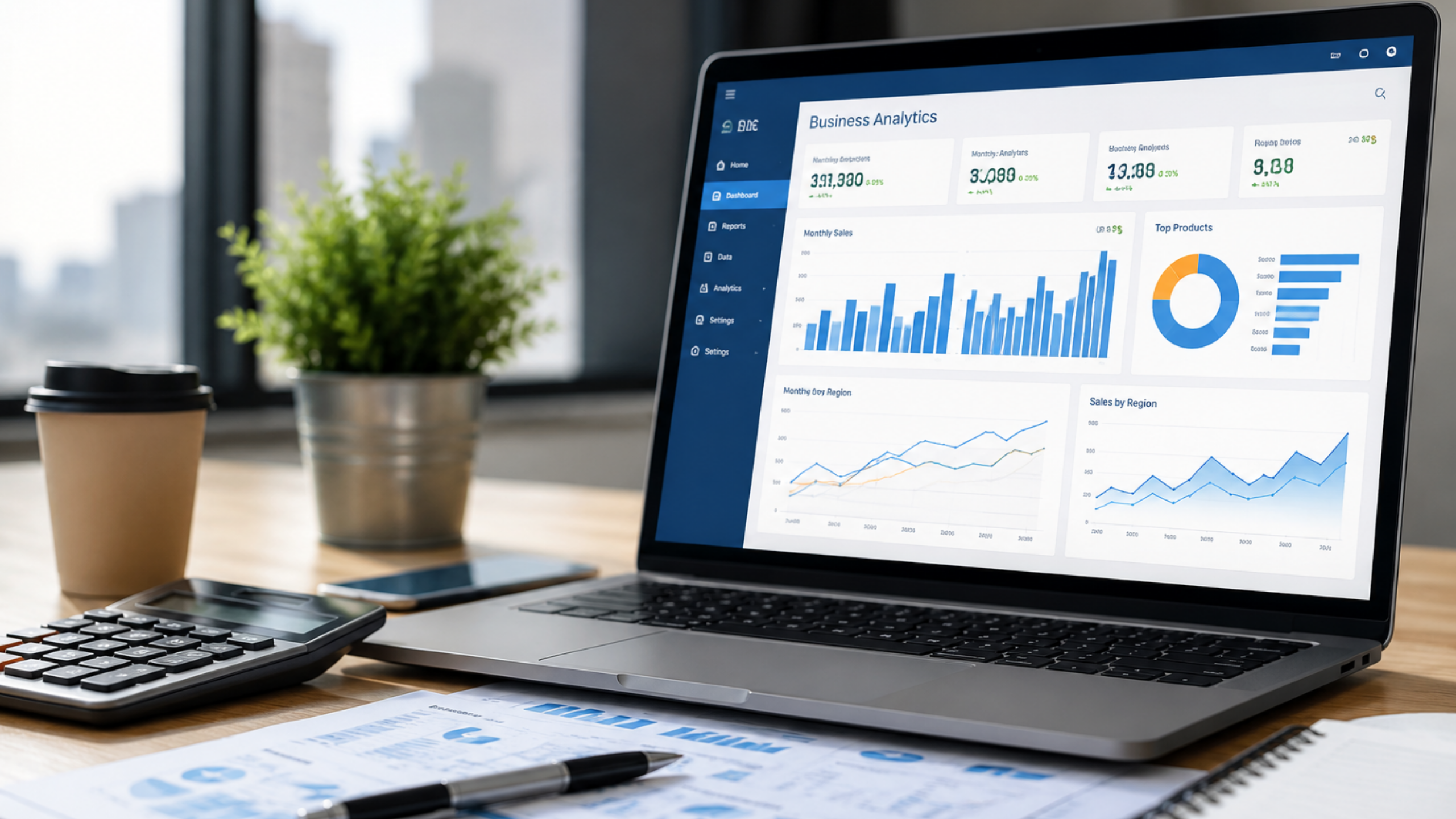
If your organisation already uses Microsoft tools, you have probably found yourself staring at two options on the analytics roadmap: Power BI and Microsoft Fabric. Both come from Microsoft. Both live on Azure. Both promise to make your data more useful.
So why do they exist side by side, and which one should you actually invest in?
This article answers that question clearly, without the marketing noise.
What Is Power BI?
Power BI is Microsoft’s flagship business intelligence and data visualisation platform. Launched in 2015, it has grown into one of the most widely adopted reporting tools in the world, with over five million paying customers across organisations of every size.
At its core, Power BI allows business users to connect to data sources, build interactive dashboards, and share reports across teams. It sits within the Microsoft 365 ecosystem, integrates natively with Excel, Teams, and SharePoint, and requires very little technical knowledge to get started.
For most organisations, Power BI has been the go-to tool for turning spreadsheets and database exports into visual reports that leadership can actually read and act on.
What Is Microsoft Fabric?
Microsoft Fabric is a unified, end-to-end analytics platform that Microsoft launched in 2023. Think of it as the broader infrastructure that Power BI now sits inside.
Fabric brings together data engineering, data science, real-time analytics, and business intelligence into a single SaaS platform, all built on Azure and connected through a unified data lake called OneLake. Rather than using separate tools for ingesting data, transforming it, storing it, and reporting on it, Fabric handles all of those functions in one governed environment.
Power BI is not a competitor to Fabric. It is a component of it. When you use Microsoft Fabric, you get Power BI included, alongside a full suite of data engineering and AI capabilities.
The Core Difference: Reporting Tool vs Full Analytics Platform
This is the distinction that matters most for enterprise decision makers.
Power BI is a reporting and visualisation tool. It is excellent at connecting to structured data sources and producing dashboards, but it does not handle data engineering, large-scale data transformation, or machine learning model development. It consumes data that has already been prepared elsewhere.
Microsoft Fabric is a complete analytics platform. It handles everything from raw data ingestion through to reporting and AI-powered insight generation. It is designed for organisations that need to manage their entire data lifecycle in one place, under one governance framework.
If your data is already clean, structured, and living in a warehouse or database, Power BI may be all you need. If your organisation is dealing with multiple raw data sources, complex transformation requirements, or petabyte-scale data volumes, Fabric is the more appropriate investment.
Key Features Comparison
| Feature | Power BI | Microsoft Fabric |
|---|---|---|
| Data Visualisation and Dashboards | Yes | Yes (via Power BI) |
| Data Engineering and Pipelines | No | Yes |
| Data Warehouse and Lakehouse | No | Yes (OneLake) |
| Real-Time Analytics | Limited | Yes |
| Machine Learning and AI | Limited (Copilot in Premium) | Yes (Copilot across all workloads) |
| Data Governance | Basic row-level security | Unified governance via OneLake |
| Deployment | Cloud and on-premises | Cloud (Azure) only |
| Pricing Entry Point | Free tier available | Capacity-based pricing |
When Power BI Is the Right Choice
Power BI remains the right choice in several specific scenarios.
Your team is primarily made up of business analysts and report consumers, not data engineers. Power BI’s interface is genuinely accessible to people who have never written a line of code. A finance manager can build a budget dashboard in an afternoon. A sales director can create a regional performance tracker without IT involvement.
Your data is already prepared and structured. If your organisation has a well-maintained data warehouse or a clean CRM export, Power BI connects to it quickly and produces high-quality visualisations without any additional infrastructure.
Your budget is limited and your needs are focused. Power BI Pro licences cost significantly less than a Fabric capacity subscription. For teams that need reporting capability and nothing else, the cost efficiency of Power BI is hard to argue with.
You need hybrid deployment. Power BI supports both cloud and on-premises deployment through Power BI Report Server. If your organisation has data residency requirements that prevent a fully cloud-based setup, Power BI accommodates that. Microsoft Fabric does not.
When Microsoft Fabric Is the Right Choice
Microsoft Fabric becomes the stronger investment when your analytics requirements go beyond reporting.
Your organisation ingests data from multiple raw sources that require significant transformation before they can be used. Fabric’s data engineering workloads handle this natively, eliminating the need for a separate ETL tool.
You are building a modern data platform from scratch or replacing a fragmented legacy stack. Fabric’s unified architecture means you can consolidate data engineering, warehousing, BI, and AI into a single environment, reducing integration overhead and governance complexity significantly.
Your analytics roadmap includes AI and machine learning. Fabric’s Copilot integration allows analysts to generate DAX measures, write SQL queries, and explore data using natural language. For organisations that want to embed AI into their analytics workflows without hiring a team of data scientists, this is a material advantage.
You need enterprise-grade data governance at scale. Fabric’s OneLake provides a single governed data layer across all workloads. Every table, report, notebook, and model draws from the same source of truth, with unified access controls and audit logging.
What About Cost?
Power BI is available in three tiers: a free version for individual use, a Pro licence and a Premium Per User licence.
Microsoft Fabric is priced on a capacity model, where you pay for compute capacity (measured in Fabric Capacity Units) rather than per user. This model can be cost-effective at scale but requires careful sizing to avoid overspending. Microsoft does offer a Fabric free trial, which is a useful starting point before committing.
For enterprises evaluating total cost of ownership, Fabric often represents better value when it replaces multiple separate tools. The savings from consolidating a separate ETL platform, a data warehouse subscription, and a BI tool can offset the Fabric capacity cost substantially.
The Migration Question: Should You Move from Power BI to Fabric?
If your organisation is already using Power BI and it is working well, you do not need to migrate urgently. Power BI is fully supported and continues to receive regular feature updates. Microsoft has made clear that Power BI is part of Fabric’s long-term roadmap, not a product being sunset.
The better question is whether your analytics ambitions have outgrown what Power BI alone can deliver. If the answer is yes, Fabric is the natural next step rather than a wholesale replacement.
Summary: Which Should You Choose?
Choose Power BI if you need a cost-effective, accessible reporting and dashboard tool for business users working with structured, prepared data.
Choose Microsoft Fabric if you are building or modernising an enterprise data platform, need data engineering and AI capabilities alongside BI, or want to govern all your analytics assets under one unified architecture.
For most growing enterprises, the path is not either/or. It starts with Power BI and evolves into Fabric as data complexity and analytical maturity increase.
To understand how Microsoft Fabric fits within the broader enterprise analytics landscape, including how it compares against platforms like Tableau, Qlik, Databricks, and Alteryx, read our guide to the Top 5 Data Analytics Tools for Enterprises in 2026.
If your organisation is also evaluating Tableau as a visualisation layer, our comparison of Tableau vs Power BI for Enterprise covers that decision in detail.
FAQs
Yes. Power BI is one of the core workloads within Microsoft Fabric. If you have a Fabric capacity subscription, Power BI Premium capabilities are included.
Yes. Fabric includes data engineering, data science, and real-time analytics workloads that operate independently of Power BI. However, most organisations use Power BI as their primary reporting layer within Fabric.
Microsoft Fabric incorporates many of the capabilities previously available in Azure Synapse Analytics, including data warehousing and Spark-based data engineering. Microsoft's direction is for Fabric to become the primary analytics platform going forward. Is Power BI included in Microsoft Fabric?
Can I use Microsoft Fabric without Power BI?
Does Microsoft Fabric replace Azure Synapse Analytics?