
When an enterprise decides it needs “better IT support,” that decision usually hides several smaller ones. Should support be handled in-house or by an external partner? Does every issue need an engineer onsite, or can most be resolved remotely? What response times actually matter, and what should they cost?
IT infrastructure support services span all of this: the people, processes and tools that keep servers, networks, devices and applications running, and the models organizations use to deliver that support. This guide compares the main models, explains how support tiers and SLAs work, and lays out what actually drives cost.
Key Takeaways
- IT infrastructure support typically runs through a tiered L1, L2, L3 model, with each level handling a different depth of issue and a different level of technical expertise.
- Onsite and remote support solve different problems. Most enterprises need both, not one or the other.
- Support can be delivered in-house, fully outsourced, or through a co-managed model. Each comes with different cost, control and scalability trade-offs.
- IT service desk SLAs are usually built around response time, resolution time and severity classification, not a single uptime number.
- Cost is driven less by “how many devices” and more by coverage hours, SLA tightness, and whether support is delivered onsite or remotely.
What Are IT Infrastructure Support Services?
IT infrastructure support services cover the ongoing help desk, troubleshooting and technical resolution work that keeps an organization’s servers, networks, devices and core systems operational, from a user unable to log in, to a network outage affecting an entire office, to a server issue needing specialist diagnosis.
Support is often confused with infrastructure management, but the two are related, not identical. Infrastructure management is the broader, proactive discipline of planning, monitoring and maintaining infrastructure (see our guide to IT infrastructure monitoring). Support is the reactive layer within it: what happens once someone raises an issue.
The L1, L2, L3 Support Model Explained
Most IT support operations, whether in-house or outsourced, are structured around three tiers. Each tier handles a different depth of problem, and issues escalate upward when a lower tier can’t resolve them.
| Support Tier | Typical Scope | Example Issues | Skill Level |
|---|---|---|---|
| L1 (First-Line) | Initial triage, basic troubleshooting, ticket logging | Password resets, printer connectivity, basic application errors | General IT support skills |
| L2 (Second-Line) | Deeper technical troubleshooting, configuration issues | Network connectivity problems, software installation conflicts, device-specific hardware faults | Specialized technical knowledge |
| L3 (Third-Line) | Complex, specialist-level resolution | Server infrastructure failures, deep application or system-level bugs, root-cause analysis for recurring issues | Expert or vendor-level expertise |
This structure matters because it directly affects resolution speed and how efficiently support resources get used. A strong L1 desk resolves most tickets without ever escalating, freeing L2 and L3 specialists for genuinely complex problems. When L1 lacks the training or authority to close simple issues, everything backs up into higher tiers and resolution times slow across the board.
Onsite vs Remote IT Support: Which Do You Need?
Not every issue can be solved over a call, and not every issue needs someone physically present. Understanding the difference helps set realistic expectations for both cost and speed.
| Factor | Onsite Support | Remote Support |
|---|---|---|
| Best for | Hardware failures, physical setup, network cabling issues, device deployment | Software issues, configuration changes, most user-reported tickets |
| Speed | Slower, dependent on travel time and technician availability | Faster, often resolved within minutes to hours |
| Cost | Generally higher due to travel and technician time onsite | Generally lower, since one technician can support many locations |
| Coverage limitations | Limited by geography and technician availability | Limited by what can actually be diagnosed and fixed without physical access |
| Typical use case | New device rollouts, server room issues, network hardware faults | Password resets, application troubleshooting, most day-to-day tickets |
In practice, most support tickets can be resolved remotely. Onsite support becomes necessary for a smaller set of issues: physical hardware failures, new equipment deployment, or cases where remote diagnosis genuinely can’t reach the root cause. Organizations that build support around remote-first resolution, with onsite reserved for what actually needs it, typically get faster average resolution times without losing coverage where a technician is truly required.
Support Delivery Models Compared
Beyond tiers and location, there’s the question of who actually delivers the support. Three models cover most enterprise setups. If you are weighing an AMC or staff augmentation instead, see IT AMC vs managed services vs staff augmentation.
| Model | How It Works | Best For | Trade-offs |
|---|---|---|---|
| In-House | Internal IT team handles all support tiers directly | Organizations with highly specialized or sensitive internal systems, and the budget to staff around the clock | Requires sustained investment in staffing, training and technology across every tier |
| Fully Outsourced | An external partner manages the entire support function, from L1 through L3, under a defined SLA | Organizations wanting predictable costs and 24×7 coverage without building it internally | Less direct day-to-day control over how support staff are managed |
| Co-Managed | Internal team retains L1 or specific systems; a partner handles overflow, after-hours coverage or specialist tiers | Mid-to-large enterprises that want to keep core knowledge in-house while extending coverage and capacity | Requires clear division of responsibility to avoid gaps or duplicated effort |
There isn’t a universally correct choice here. An organization with a small, specialized internal team might keep L1 in-house, where institutional knowledge matters most, while outsourcing after-hours and L2/L3 coverage to a partner who can staff it more cost-effectively. A larger enterprise juggling multiple locations may find a fully managed model simpler to govern than coordinating several internal shifts across time zones.
24×7 IT Support in India: What It Actually Requires
Round-the-clock support sounds straightforward on paper, but delivering it well involves more moving parts than most organizations budget for.
Shift staffing, not just extended hours. True 24×7 coverage means at least three staffed shifts, not one team working longer hours. Skipping this usually shows up as slower response times overnight, even when a desk is technically “open.”
Multi-location coordination. Enterprises with offices across several Indian cities, or with international operations, often need coverage that accounts for different working hours, network conditions, and sometimes regulatory requirements per location.
Escalation paths that work at 2 a.m. A tiered model only works if L2 and L3 specialists are genuinely reachable off-hours, not just theoretically on-call. Escalation paths that look fine on paper often break down in practice if the people behind them aren’t set up to respond quickly at odd hours.
Consistent quality across shifts. Night and weekend coverage sometimes gets treated as lower priority, showing up as longer resolution times during off-hours. A well-run 24×7 operation holds the same quality bar across every shift.
Organizations evaluating 24×7 support, in-house or from an IT infrastructure services company, should ask specifically how staffing and quality are handled outside standard hours, not just whether the phone line is technically answered around the clock.
Understanding IT Service Desk SLAs
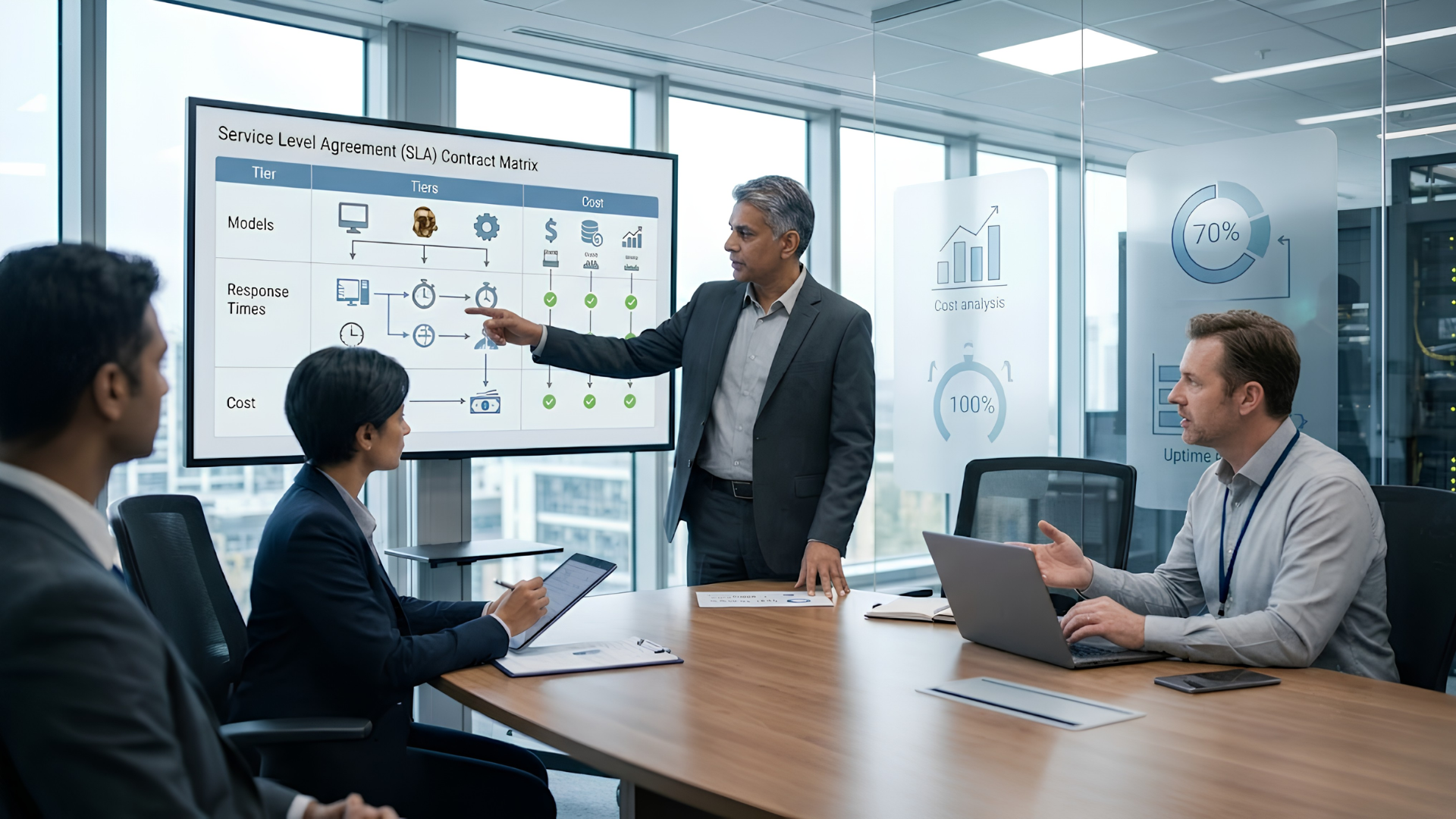
An SLA (service level agreement) for IT support is usually built around three components, not a single number.
- Response time: how quickly an issue is acknowledged after it’s reported.
- Resolution time: how quickly it’s actually fixed.
- Severity classification: how urgently different types of issues are treated.
| Severity Level | Example Issue | Typical Response Expectation | Typical Resolution Expectation |
|---|---|---|---|
| Critical (P1) | Full system or network outage affecting multiple users | Within minutes | Fastest possible, often measured in hours |
| High (P2) | Major functionality impaired, affecting a team or department | Within an hour or two | Same business day |
| Medium (P3) | Individual user issue with a workaround available | Within a few hours | Within one to two business days |
| Low (P4) | Minor issue, cosmetic or non-urgent request | Within one business day | As scheduled, no immediate urgency |
These timeframes vary meaningfully between organizations and providers, and the table above reflects common structuring rather than a fixed standard. What matters more than the exact numbers is whether severity levels are clearly defined, consistently applied, and reported on regularly, so an SLA becomes something you can actually hold a support provider accountable to, rather than a document that only gets reviewed after something goes wrong. Some organizations now go a step further and add experience level agreements (XLAs) on top of SLAs.
What Does IT Infrastructure Support Actually Cost?
There’s no single number here, because cost depends heavily on scope. A few factors drive price more than headcount or device count alone:
Coverage hours. Business-hours-only support costs meaningfully less than genuine 24×7 coverage, which requires multiple staffed shifts rather than extended hours from one team.
SLA tightness. Faster guaranteed response and resolution times require more available capacity on standby, which costs more than looser SLAs.
Onsite requirement. Support that includes regular onsite visits costs more than remote-only support, since travel time and technician availability both factor into pricing.
Support tier depth. A contract covering only L1 triage costs less than one including L2 and L3 specialist coverage, since deeper expertise commands a higher rate.
Number of locations and users. More locations generally mean more coordination complexity, even when total user count is similar to a single-site deployment.
Bundled vs. per-incident pricing. Some organizations prefer a flat monthly cost covering unlimited support within scope; others prefer per-incident pricing, which can be cheaper for low-volume needs but less predictable at scale.
Rather than asking “what does IT support cost,” a more useful question is “what combination of coverage hours, SLA commitments and support depth do we actually need,” since that combination is what determines the price a provider will quote.
How to Choose the Right Support Model
A few questions help narrow the decision:
- How much of your support volume genuinely needs deep technical expertise? If most tickets are routine, a strong L1 desk, whether in-house or outsourced, solves most of the problem on its own.
- Do you need coverage outside standard business hours? If yes, weigh the cost of building genuine 24×7 shift coverage internally against a partner who already has it staffed.
- How distributed is your organization? Multiple locations usually favor a model with strong remote-first resolution and clearly defined onsite escalation, rather than relying on a single central team to physically reach every site.
- Can you hold your current SLA accountable? If severity levels aren’t clearly defined or reported on, that’s worth fixing before evaluating whether the underlying support model itself needs to change.
Where Team Computers Fits In
Team Computers works with enterprises to design and deliver IT infrastructure support that matches how the organization actually operates, rather than a generic one-size package. That includes structuring the right mix of L1, L2 and L3 coverage, balancing onsite and remote resolution based on real ticket patterns, and building SLAs with clear severity definitions and reporting leadership can actually use.
For organizations managing enterprise Windows devices and workplace technology, support is only as good as its connection to the broader device lifecycle. A desk that knows a device’s deployment history, warranty status and refresh timeline resolves issues faster than one working from a ticket alone. This is where a single technology partner across procurement, deployment and support changes the experience for both the IT team and the employees relying on their devices daily.
If your current support model isn’t giving you clear visibility into response times, resolution rates or where issues are actually coming from, that’s a good starting point for a conversation about what a better-fitted model would look like.
Related reading
- India’s Digital Transformation Journey over the last 75 years
- India’s Second Google Cloud Region is now Live in Delhi NCR
- Is your phone Pegasus Free?
Frequently Asked Questions
What is the difference between L1, L2 and L3 IT support?
L1 handles first-line triage and basic troubleshooting, such as password resets or simple application errors. L2 handles deeper technical issues that require more specialized knowledge, such as network configuration problems. L3 handles complex, specialist-level issues, including root-cause analysis for recurring or infrastructure-level problems.
Is onsite or remote IT support better?
Neither is universally better. Most day-to-day issues, especially software and configuration problems, can be resolved remotely and faster than waiting for onsite support. Physical hardware failures and new device deployments genuinely require someone onsite. Most enterprises need a combination of both.
What should an IT service desk SLA include?
A well-structured SLA defines response time and resolution time for each severity level, from critical outages to low-priority requests, along with clear criteria for how severity is classified, plus regular reporting so performance can actually be reviewed and held accountable.
How much does IT infrastructure support cost?
Cost depends primarily on coverage hours, how tight the SLA commitments are, whether onsite support is included, and how deep the support tiers need to go, rather than simply the number of devices or users covered. Business-hours-only, remote-first support with looser SLAs generally costs less than genuine 24x7 coverage with tight response times.
What does 24x7 IT support actually require to work well?
Genuine 24x7 support requires multiple staffed shifts, not just extended hours from a single team, along with escalation paths that function reliably during off-hours and the same quality standard across night, weekend and holiday coverage as during regular business hours.