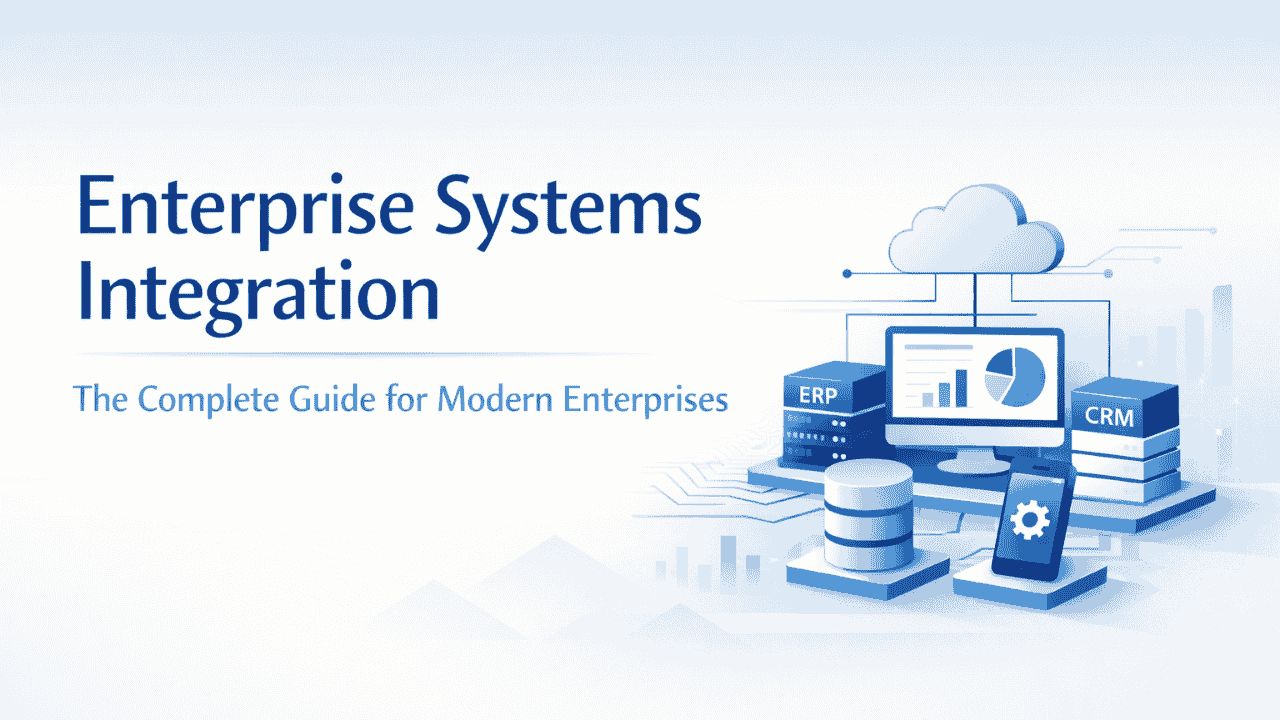
In today’s digital economy, organizations rely on a wide range of technology platforms to manage their operations. Enterprise resource planning systems, customer relationship management platforms, cloud applications, cybersecurity frameworks, analytics tools, and collaboration platforms are now essential components of modern business environments.
However, the growing number of systems within organizations has introduced a new challenge: technology fragmentation.
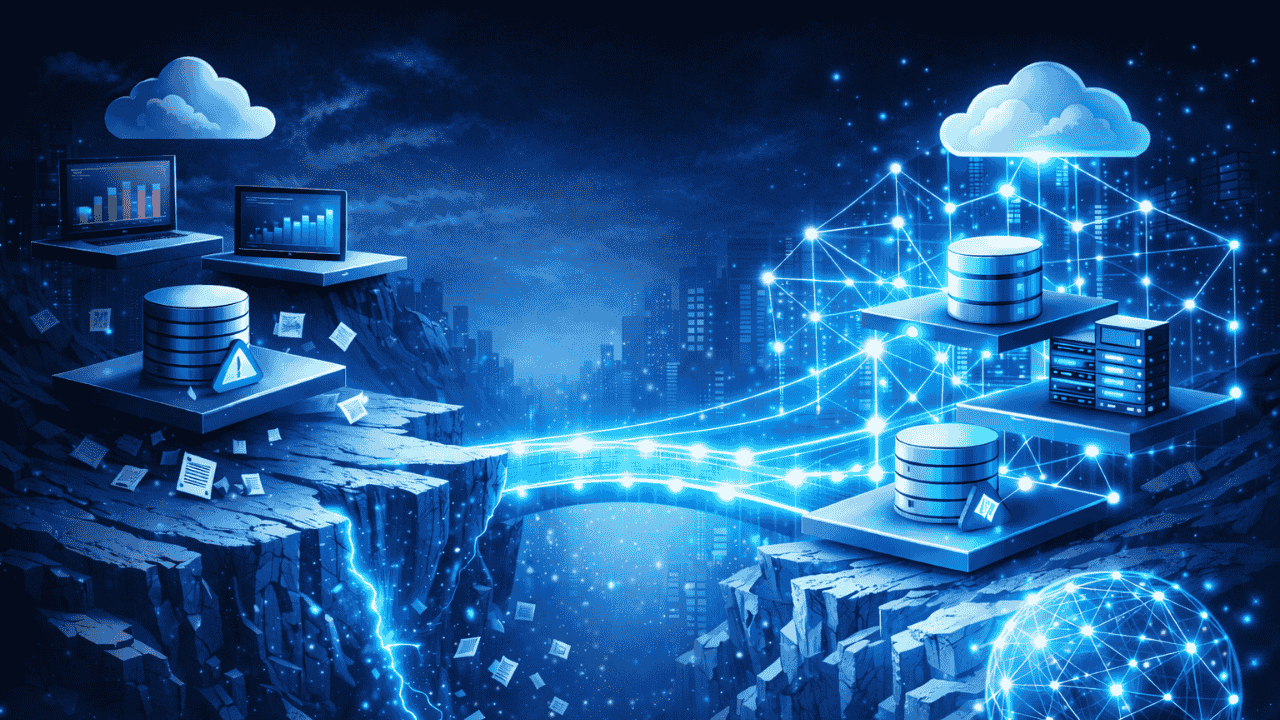
When systems operate independently without proper connectivity, organizations experience inefficiencies, limited data visibility, and operational bottlenecks. Departments may rely on different platforms that do not communicate effectively with one another, resulting in manual processes, duplicated data, and inconsistent information across the organization.
This is where enterprise system integration becomes a critical capability.
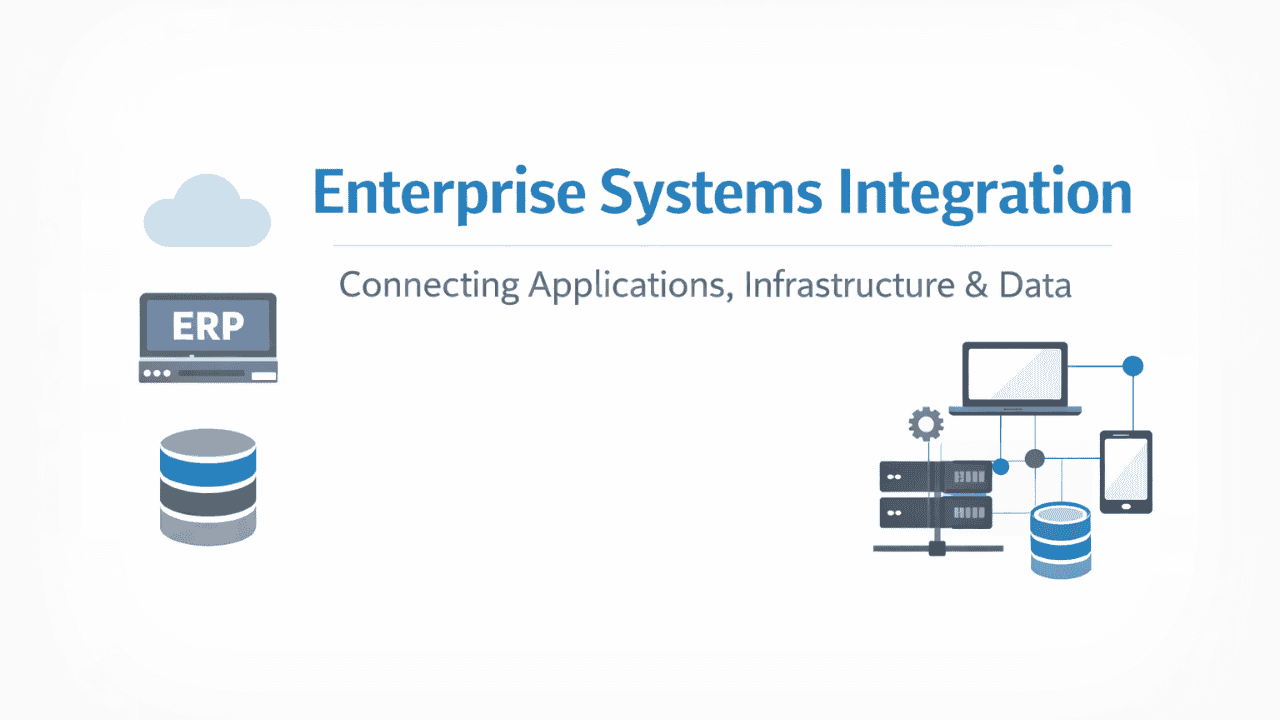
System integration ensures that diverse applications, infrastructure components, and data platforms function together as a unified ecosystem. Instead of operating as isolated tools, integrated systems exchange information seamlessly, enabling organizations to streamline workflows, improve decision-making, and enhance overall operational performance.
For modern enterprises pursuing digital transformation, system integration plays a foundational role in building agile and scalable IT environments.
In this comprehensive guide, we explore the concept of enterprise system integration, the technologies that enable it, the benefits organizations gain from integrated environments, and how Team Computers helps enterprises implement reliable and scalable integration solutions.
What is System Integration?
System integration refers to the process of connecting multiple IT systems, applications, and infrastructure components so that they operate as a coordinated and unified environment.
Instead of functioning as isolated systems, integrated technologies communicate with each other, exchange data, and support automated workflows across business functions.
The goal of system integration is to ensure that information flows seamlessly across an organization’s technology landscape, enabling different systems to support shared processes and business objectives.
How System Integration Works?
In a typical enterprise environment, multiple platforms handle different aspects of business operations. These platforms may include ERP systems, CRM tools, financial software, supply chain management platforms, analytics systems, and customer engagement tools.
System integration connects these platforms through integration frameworks such as APIs, middleware platforms, and data pipelines. These technologies enable systems to exchange information automatically, ensuring that data remains synchronized across the organization.
As a result, business processes that once required manual intervention become automated and efficient.
Why System Integration is Critical for Enterprises?
As enterprise IT environments become increasingly complex, the importance of integration continues to grow. Organizations must ensure that their systems can communicate effectively to maintain operational efficiency and competitiveness.
Eliminating Data Silos
Disconnected systems often result in data silos, where information remains trapped within individual platforms. When departments rely on separate datasets, it becomes difficult to obtain a complete view of business performance.
System integration eliminates these silos by enabling data to flow freely across systems and departments.
Improving Operational Efficiency
Manual processes such as transferring data between systems or updating information across platforms can consume valuable time and resources. Integration automates these workflows, allowing employees to focus on strategic tasks rather than repetitive administrative work.
Enhancing Customer Experiences
Customers today interact with businesses through multiple channels, including websites, mobile applications, support portals, and social platforms. Integrated systems ensure that customer data remains consistent across these channels, enabling organizations to deliver personalized and seamless experiences.
Supporting Business Scalability
As organizations expand, they often introduce new technologies to support growth. System integration allows these new platforms to connect with existing infrastructure without disrupting operations.
Key Technologies Enabling System Integration
Modern system integration relies on several technological frameworks that enable connectivity between platforms.
Application Programming Interfaces (APIs)
APIs are one of the most important technologies in modern integration strategies. They allow applications to communicate with each other by exchanging structured data through defined interfaces.
APIs enable organizations to connect cloud applications, mobile platforms, enterprise software systems, and third-party services.
Middleware Platforms
Middleware acts as an intermediary layer that facilitates communication between systems that cannot directly interact. Middleware platforms manage data exchange, workflow orchestration, and message routing across enterprise applications.
Integration Platforms (iPaaS)
Integration Platform as a Service solutions provide cloud-based environments that simplify application and data integration across distributed systems. These platforms allow organizations to manage integrations efficiently without building complex infrastructure.
Event-Driven Architectures
Event-driven systems allow applications to respond to real-time events and triggers. This architecture enables rapid data exchange and supports modern digital workflows.
Types of System Integration
Enterprise environments typically require multiple types of integration to connect applications, infrastructure, and data systems.
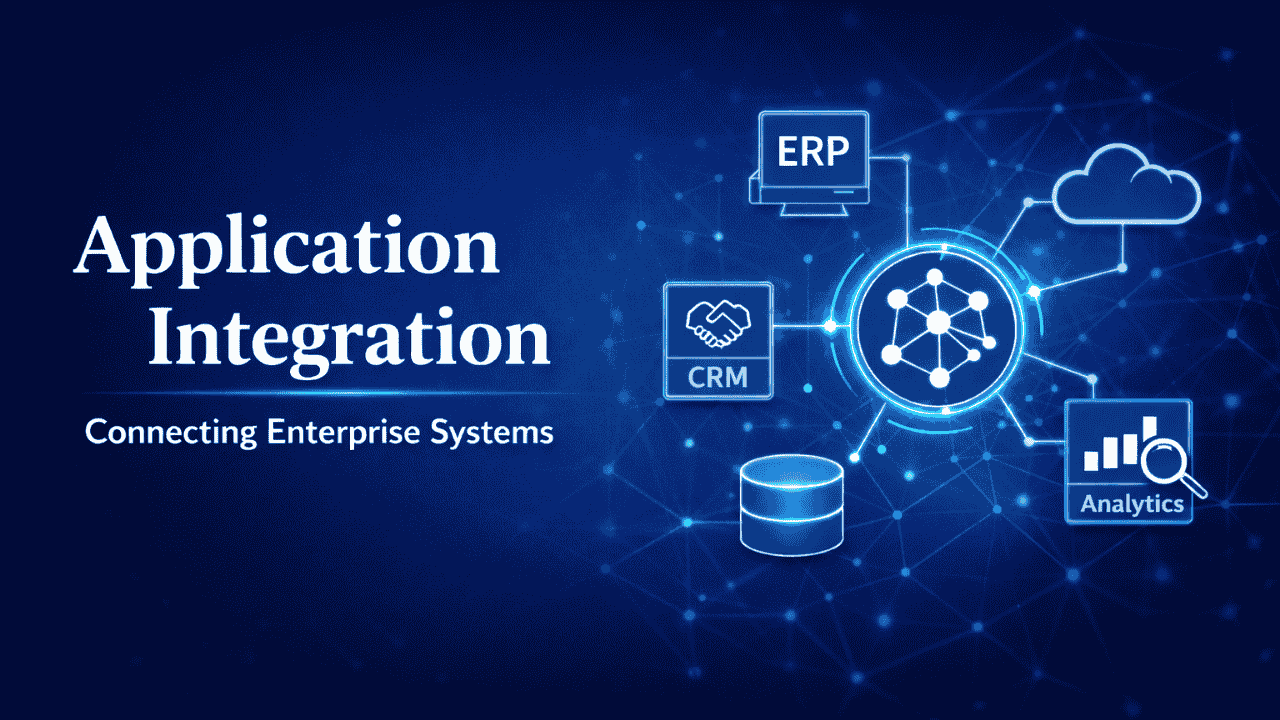
Application Integration
Application integration focuses on connecting enterprise software systems so they can share information and support coordinated workflows.
Examples include integrating ERP platforms with CRM systems, linking marketing automation tools with analytics platforms, and connecting human resource systems with payroll solutions.
Data Integration
Data integration consolidates information from multiple systems into centralized data platforms or warehouses. This integration enables organizations to generate comprehensive reports, perform analytics, and support business intelligence initiatives.
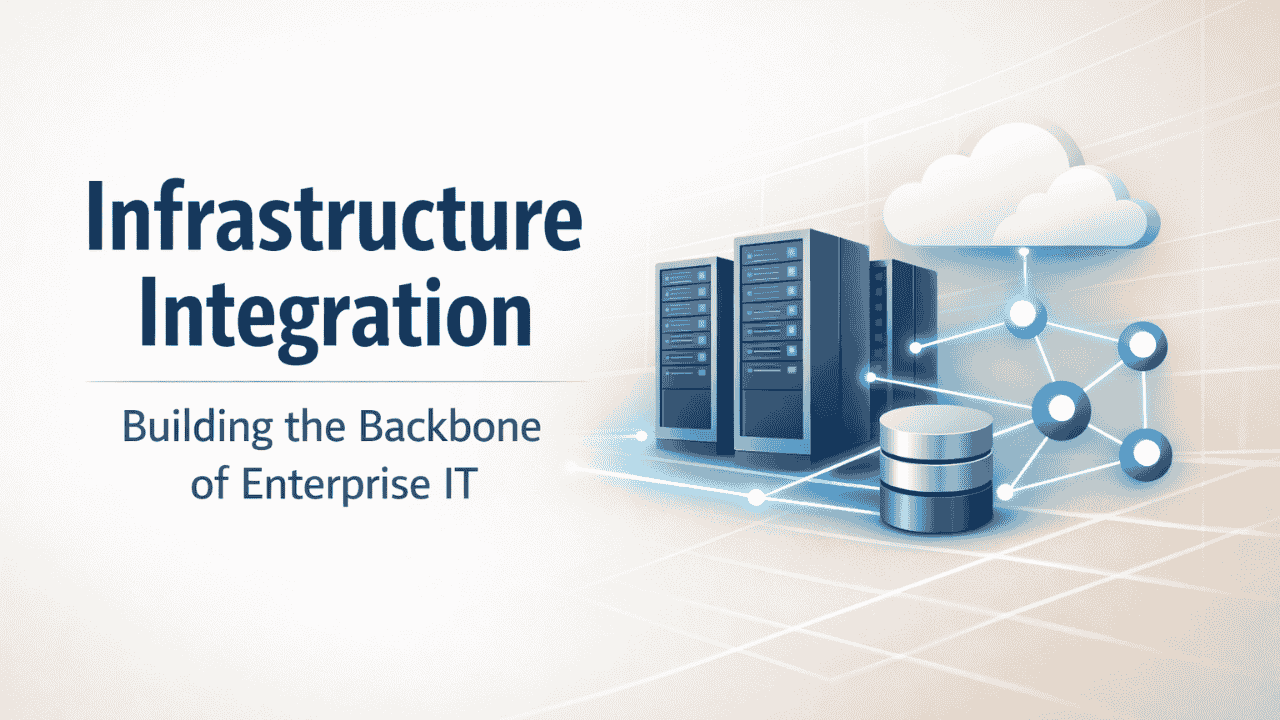
Infrastructure Integration
Infrastructure integration involves connecting servers, storage systems, networking components, and virtualization platforms to create a reliable IT foundation that supports enterprise workloads.
Cloud Integration
Cloud integration ensures that on-premise infrastructure can communicate with cloud platforms and SaaS applications. This type of integration is essential for organizations operating hybrid or multi-cloud environments.
Security Integration
Security integration connects cybersecurity tools across infrastructure, applications, and networks to provide comprehensive protection against threats and vulnerabilities.
Benefits of Enterprise System Integration
Organizations that successfully implement system integration strategies gain significant operational and strategic advantages.
Integrated systems improve efficiency by automating workflows and reducing manual tasks. They also enhance data visibility by ensuring that information remains synchronized across platforms.
Another important benefit is improved decision-making. When organizations have access to real-time data across departments, leaders can make informed decisions more quickly.
System integration also improves customer experiences by enabling organizations to provide consistent interactions across digital channels. Finally, integrated environments support scalability, allowing businesses to introduce new technologies without disrupting existing processes.
Challenges in Implementing System Integration
Although system integration offers substantial benefits, implementing integration strategies can be complex.
Legacy systems often present compatibility challenges because they were not designed to support modern integration frameworks. Organizations must also address issues related to data governance, security, and regulatory compliance.
Another challenge is managing integration across multiple vendors and platforms. Each system may have unique requirements, making integration projects technically demanding.
For these reasons, enterprises often collaborate with experienced IT partners who specialize in designing and implementing integration architectures.
System Integration Solutions by Team Computers
With decades of experience in enterprise technology services, Team Computers delivers system integration solutions that enable organizations to build connected, scalable, and high-performing IT environments.
As enterprises adopt a growing mix of applications, cloud platforms, infrastructure technologies, and data systems, ensuring seamless connectivity between these components becomes critical for operational success. Team Computers helps organizations design and implement integration strategies that bring together diverse technologies into a unified digital ecosystem.
By combining deep expertise across infrastructure, cloud platforms, enterprise applications, and data management, Team Computers enables businesses to eliminate technology silos, automate workflows, and create IT environments that support long-term digital transformation.
Through a structured integration approach that includes architecture design, technology implementation, and ongoing optimization, Team Computers ensures that enterprise systems work together reliably and efficiently.
Infrastructure Integration Solutions
Infrastructure forms the foundation of every enterprise IT environment. However, as organizations scale their operations, their infrastructure environments often become complex, consisting of multiple servers, storage systems, networking components, and virtualization platforms.
Team Computers helps organizations design and implement integrated infrastructure environments that support high performance, reliability, and scalability. By connecting infrastructure components into a cohesive architecture, businesses can ensure seamless communication between systems and maintain consistent operational performance.
Infrastructure integration services typically include:
- Data center infrastructure design and modernization
- Server and storage integration
- Virtualization and hyperconverged infrastructure implementation
- Enterprise networking and connectivity solutions
- Infrastructure monitoring and performance optimization
Through these solutions, Team Computers enables enterprises to build resilient IT foundations capable of supporting modern workloads and digital business operations.
Application Integration Services
Modern enterprises rely on a wide range of software applications to manage business processes, customer relationships, finance operations, supply chains, and employee management.
However, when these applications operate independently, organizations face challenges such as duplicated data, manual processes, and fragmented workflows.
Team Computers enables seamless application integration by connecting enterprise software platforms so they can exchange information and operate as part of a unified system. By integrating applications across departments, businesses can automate processes, improve data accuracy, and enhance overall operational efficiency.
Application integration services may include connecting:
- ERP systems with CRM platforms
- Customer support platforms with service management tools
- HR systems with payroll and workforce management applications
- Marketing automation platforms with analytics and reporting tools
Through robust integration frameworks, Team Computers helps enterprises ensure that critical business applications work together efficiently.
Cloud Integration Solutions
As organizations adopt cloud technologies, many operate in hybrid or multi-cloud environments where on-premise infrastructure must interact with cloud platforms and SaaS applications.
Without proper integration, these environments can create data inconsistencies, operational complexity, and security challenges.
Team Computers provides cloud integration solutions that enable seamless connectivity between on-premise systems, public cloud platforms, and third-party applications. These solutions allow organizations to leverage the flexibility of cloud technologies while maintaining operational continuity across their IT environments.
Cloud integration capabilities include:
- Hybrid cloud architecture design
- Integration of SaaS applications with enterprise systems
- Multi-cloud connectivity and orchestration
- Secure data exchange between cloud and on-premise platforms
By integrating cloud environments with existing systems, Team Computers helps enterprises accelerate digital transformation while maintaining control and reliability.
Data Integration and Analytics
In modern enterprises, data is generated across multiple systems, including operational applications, customer platforms, financial systems, and digital channels.
When this data remains fragmented across platforms, organizations struggle to gain meaningful insights and make informed decisions.
Team Computers helps enterprises implement data integration frameworks that consolidate information from multiple systems into unified data platforms. These integrated environments enable organizations to perform advanced analytics, generate real-time reports, and support strategic decision-making.
Data integration solutions focus on building centralized data ecosystems that support:
- Data consolidation from multiple enterprise applications
- Data warehouses and analytics platforms
- Business intelligence and reporting environments
- Real-time data synchronization across systems
By enabling a unified view of enterprise data, Team Computers helps organizations transform information into actionable insights.
Security Integration
As enterprise IT environments become more interconnected, ensuring security across systems, applications, and networks becomes increasingly critical.
Security tools often operate across multiple layers of infrastructure and applications. Without proper integration, organizations may face gaps in visibility and protection.
Team Computers provides security integration solutions that connect cybersecurity platforms across the enterprise technology stack. By integrating security systems, organizations can establish a unified security framework that improves threat detection, response capabilities, and compliance management.
Security integration initiatives may involve connecting:
- Identity and access management platforms
- Network security systems
- Endpoint protection solutions
- Security monitoring and threat detection platforms
Through integrated security environments, Team Computers helps organizations protect their digital infrastructure while supporting safe and scalable business operations.
The Future of System Integration
The future of enterprise IT will be defined by deeper connectivity between technologies. Emerging innovations such as artificial intelligence, automation platforms, and advanced analytics require integrated systems that can exchange information in real time.
Organizations are increasingly adopting API-first architectures, event-driven systems, and cloud-native integration platforms to support modern digital operations.
As enterprises continue to expand their technology ecosystems, system integration will remain a critical capability for maintaining agility, efficiency, and competitiveness.
Conclusion
Enterprise technology environments are becoming more sophisticated as organizations adopt new platforms to support digital transformation. Without proper connectivity between these systems, businesses risk operational inefficiencies and fragmented data.
Disconnected systems can slow down operations, limit visibility, and create inefficiencies across the organization. With the right integration strategy, enterprises can unlock the full potential of their technology investments and build a truly connected digital ecosystem.
Team Computers helps organizations design and implement scalable system integration solutions that connect applications, infrastructure, and data platforms for improved performance and operational agility.
If your organization is looking to streamline operations, modernize IT infrastructure, or enable seamless connectivity across enterprise systems, our experts are here to help.
Connect with Team Computers today to explore how our system integration solutions can support your digital transformation journey.