Remote Infrastructure Management: The Backbone of Modern IT Operations

Enterprise IT infrastructure has grown significantly in complexity. Organizations today operate across hybrid environments that include on-premise data centers, cloud platforms, remote devices, and business-critical applications. Managing these systems efficiently is essential to ensure performance, security, and uninterrupted operations.

However, maintaining infrastructure manually or through traditional IT models can be challenging for internal teams. Constant monitoring, performance management, patching, and incident resolution require specialized expertise and round-the-clock attention.

This is where Remote Infrastructure Management (RIM) becomes a critical component of modern IT operations. By enabling organizations to monitor and manage infrastructure remotely through advanced tools and automation, RIM ensures that systems remain reliable, secure, and optimized for performance.

In today’s digital-first business environment, Remote Infrastructure Management is no longer optional, it is essential for maintaining operational efficiency and supporting business growth.

What is Remote Infrastructure Management?

Remote Infrastructure Management refers to the remote monitoring, management, and maintenance of an organization’s IT infrastructure.

Instead of relying entirely on on-site IT teams, businesses partner with specialized managed services providers who oversee infrastructure operations from remote monitoring centers.

These services typically include management of:

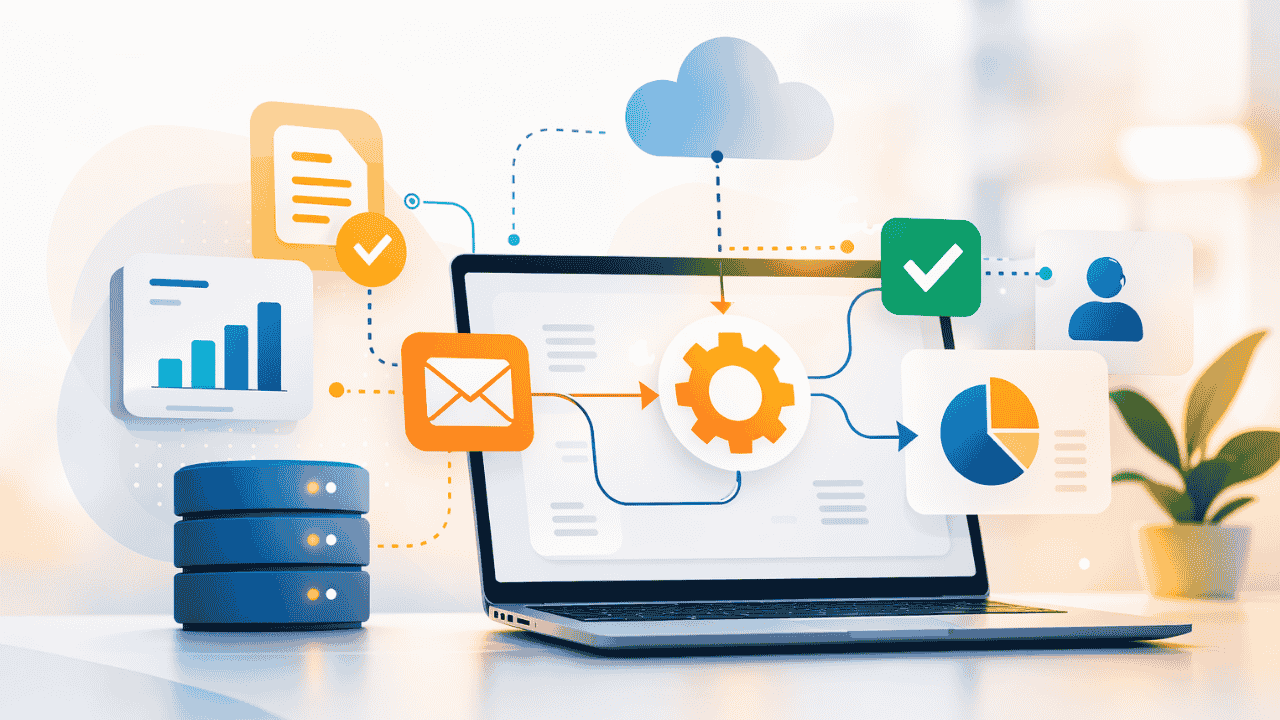
By leveraging centralized monitoring platforms and automated tools, IT teams can detect and resolve issues quickly without requiring physical access to infrastructure.

Why Remote Infrastructure Management is Critical for Enterprises

As digital transformation accelerates across industries, enterprises must ensure that their IT infrastructure remains stable, scalable, and secure.

Several factors make Remote Infrastructure Management essential:

Increasing Infrastructure Complexity

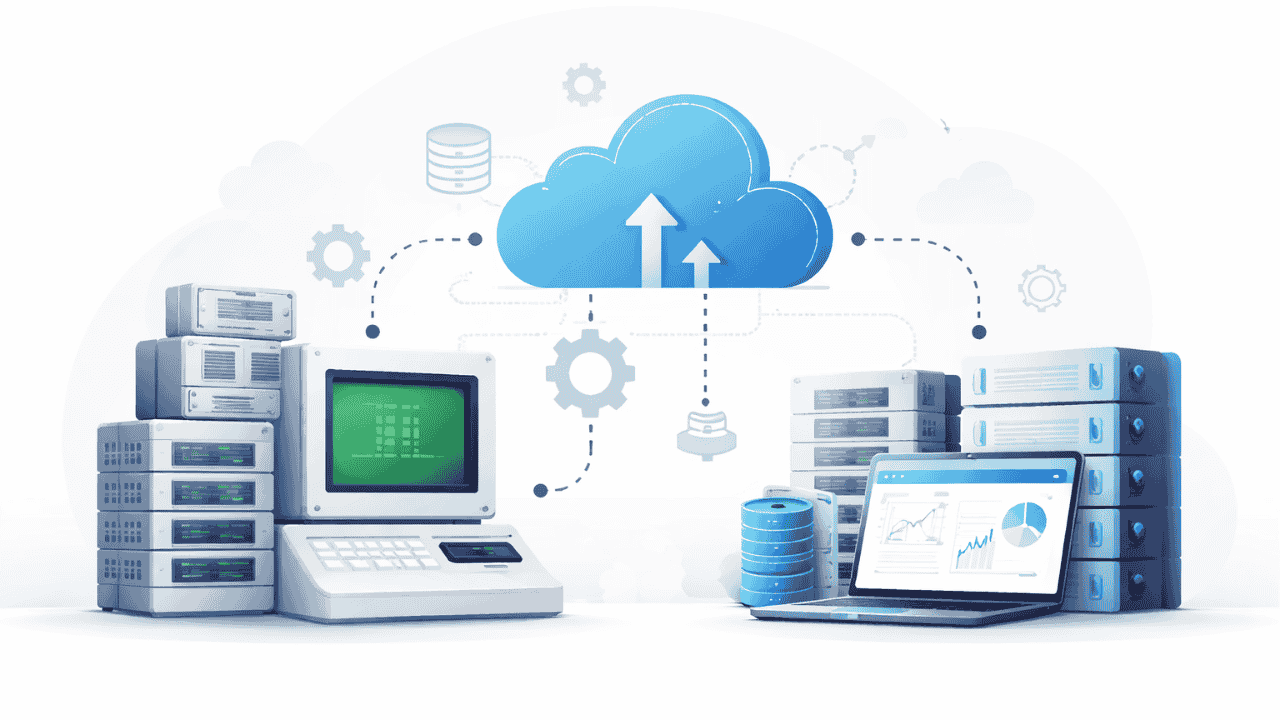
Modern enterprises operate across multiple infrastructure environments, including cloud services, on-premise systems, and edge devices. Managing these environments requires specialized expertise and advanced monitoring tools.

Need for 24/7 Monitoring

IT infrastructure must operate continuously to support business operations. Remote Infrastructure Management enables round-the-clock monitoring and faster incident response.

Cost Optimization

Maintaining large in-house infrastructure management teams can be expensive. RIM allows organizations to reduce operational costs while gaining access to specialized expertise.

Faster Issue Resolution

With proactive monitoring systems in place, potential infrastructure issues can be identified and resolved before they impact business operations.

Key Components of Remote Infrastructure Management

A well-structured Remote Infrastructure Management strategy includes several important components that ensure smooth IT operations.

Infrastructure Monitoring

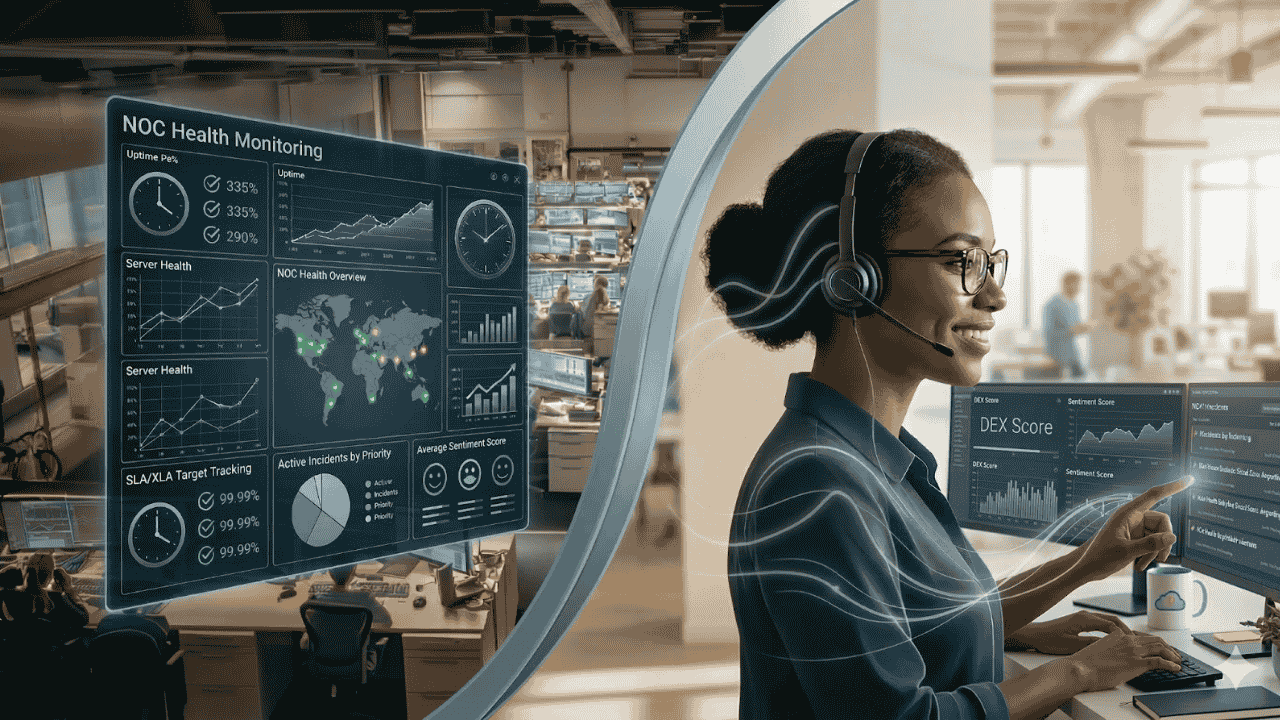
Continuous monitoring allows IT teams to track the health and performance of servers, networks, and applications in real time.

Patch and Update Management

Regular updates and security patches ensure that systems remain protected against vulnerabilities.

Network Management

Network performance is essential for business continuity. RIM services monitor network traffic, connectivity, and performance to prevent disruptions.

Incident and Problem Management

Automated alerts and incident management workflows allow IT teams to quickly respond to infrastructure issues and minimize downtime.

In modern managed services environments, intelligent automation platforms such as ZerofAI can further enhance infrastructure monitoring by detecting anomalies and predicting potential system failures before they occur.

Benefits of Remote Infrastructure Management

Organizations that adopt Remote Infrastructure Management experience significant improvements in IT efficiency and reliability.

Improved System Availability

Proactive monitoring ensures that infrastructure issues are detected and resolved before they affect business operations.

Reduced Operational Costs

Remote management eliminates the need for large on-site IT teams and reduces infrastructure maintenance costs.

Enhanced Security

Continuous monitoring helps identify potential vulnerabilities and security threats early.

Scalability and Flexibility

RIM services allow organizations to scale their infrastructure management capabilities as their business grows.

With intelligent automation tools and proactive monitoring, enterprises can maintain high-performing IT environments without increasing operational complexity.

The Future of Infrastructure Management

The future of infrastructure management will increasingly rely on automation, artificial intelligence, and predictive analytics.

As organizations adopt hybrid and multi-cloud architectures, traditional monitoring methods will not be sufficient to manage the growing complexity of IT systems.

Technologies like AIOps platforms,such as ZerofAI—are helping enterprises move toward intelligent infrastructure management by automating monitoring, identifying anomalies, and accelerating incident resolution.

This shift enables organizations to maintain reliable infrastructure while allowing IT teams to focus on innovation and strategic initiatives.

Conclusion

Modern enterprises rely heavily on technology infrastructure to support daily operations, digital services, and customer experiences.

Remote Infrastructure Management provides organizations with a proactive and scalable approach to managing complex IT environments.

Key takeaways include:

  • Enterprise infrastructure is becoming increasingly complex
  • Remote monitoring enables proactive infrastructure management
  • RIM services improve system reliability and operational efficiency
  • Automation platforms like ZerofAI help enhance monitoring and predictive maintenance

By adopting Remote Infrastructure Management, organizations can ensure stable, secure, and high-performing IT environments that support long-term business success.

Looking to simplify and optimize your IT infrastructure management?

Discover how Managed Services from Team Computers can help you implement efficient Remote Infrastructure Management, powered by intelligent monitoring and automation platforms like ZerofAI, to keep your IT operations running smoothly.

Mac as the Employee Choice: Powering the Modern Workforce

Workplace technology has evolved from being just a support tool to becoming a key driver of employee experience. As organizations look to build productive and engaging work environments, the devices they provide to their teams matter more than ever. Across industries, employees are increasingly choosing Mac because it offers a powerful combination of performance, reliability, and simplicity.

Mac devices are designed to make work feel seamless. Whether employees are managing business operations, developing applications, creating designs, or collaborating with teams across locations, Mac provides a smooth and dependable computing experience. For businesses, enabling employees to work on devices they prefer often results in improved efficiency and higher satisfaction at work.

With the right support from Team Computers, organizations can confidently introduce Mac into their workplace while ensuring that deployment, management, and support remain simple for IT teams.

Why Employees Prefer Working on Mac

Employees tend to perform at their best when the technology they use feels intuitive and reliable. Mac has built a strong reputation for offering a user experience that allows professionals to focus on their work instead of spending time dealing with technical challenges.

The interface is clean and easy to navigate, allowing employees to quickly access applications, manage tasks, and collaborate with colleagues. Over time, this ease of use contributes to a more productive work environment where employees spend less time troubleshooting devices and more time focusing on meaningful tasks.

Organizations that introduce Mac as an employee choice often notice that teams adapt quickly to the platform and appreciate the consistency and stability it offers.

The Power of the Apple Ecosystem

Another reason employees gravitate toward Mac is its seamless connection with the broader Apple ecosystem. Many professionals already use Apple devices such as iPhone or iPad in their daily lives, and Mac extends that familiar experience into the workplace.

This connected ecosystem allows employees to move effortlessly between devices, share files quickly, and maintain continuity across tasks. The result is a workflow that feels natural and efficient, helping teams stay productive throughout the day.

With the expertise of Team Computers, businesses can implement Apple solutions that ensure these devices work efficiently within enterprise environments while maintaining security and operational control.

Performance That Supports Modern Work

Modern workplaces require devices that can handle multiple applications, collaboration tools, and demanding workloads without slowing down. Mac devices powered by Apple silicon are built to deliver high performance while maintaining exceptional energy efficiency.

Employees can participate in virtual meetings, analyze data, design creative assets, and manage business operations simultaneously without experiencing performance issues. This level of reliability allows teams to stay focused on their responsibilities and maintain productivity regardless of where they are working.

Through Team Computers, organizations can ensure that the right Mac devices are deployed to match different employee roles and performance needs.

Enabling Mac Adoption with Team Computers

While employees may prefer Mac, organizations need the right infrastructure and expertise to deploy and manage these devices at scale. This is where Team Computers helps simplify the entire Mac adoption journey.

From helping businesses procure Apple devices to ensuring seamless deployment and configuration, Team Computers provides the expertise required to integrate Mac into enterprise environments. This approach allows IT teams to maintain visibility and control while employees enjoy a modern and reliable computing experience.

By supporting businesses with deployment, device management, and ongoing lifecycle services, Team Computers ensures that Mac environments remain efficient and secure as organizations grow.

Building a Workplace Employees Love

As companies focus on creating modern workplaces, providing employees with the right technology becomes a critical part of the strategy. When employees have access to devices they prefer and trust, they are able to work more efficiently and stay engaged with their responsibilities.

Mac continues to gain popularity in enterprises because it delivers a balance of performance, reliability, and user experience that professionals value. With Team Computers enabling seamless Mac adoption, businesses can confidently empower their workforce with tools that support productivity and innovation.

Why Businesses Prefer Deploying Mac with Team Computers

As organizations modernize their workplaces, Apple Mac devices are increasingly becoming the preferred choice for employees and IT teams alike. Known for their performance, security, and user experience, Macs help businesses enable productivity and innovation across teams.

However, deploying Macs across an organization requires the right expertise, infrastructure, and lifecycle support. This is where Team Computers plays a critical role.

With years of experience in enterprise IT solutions and Apple deployments, Team Computers helps businesses adopt, manage, and scale Mac environments smoothly — without increasing IT complexity.

Seamless Mac Deployment at Scale

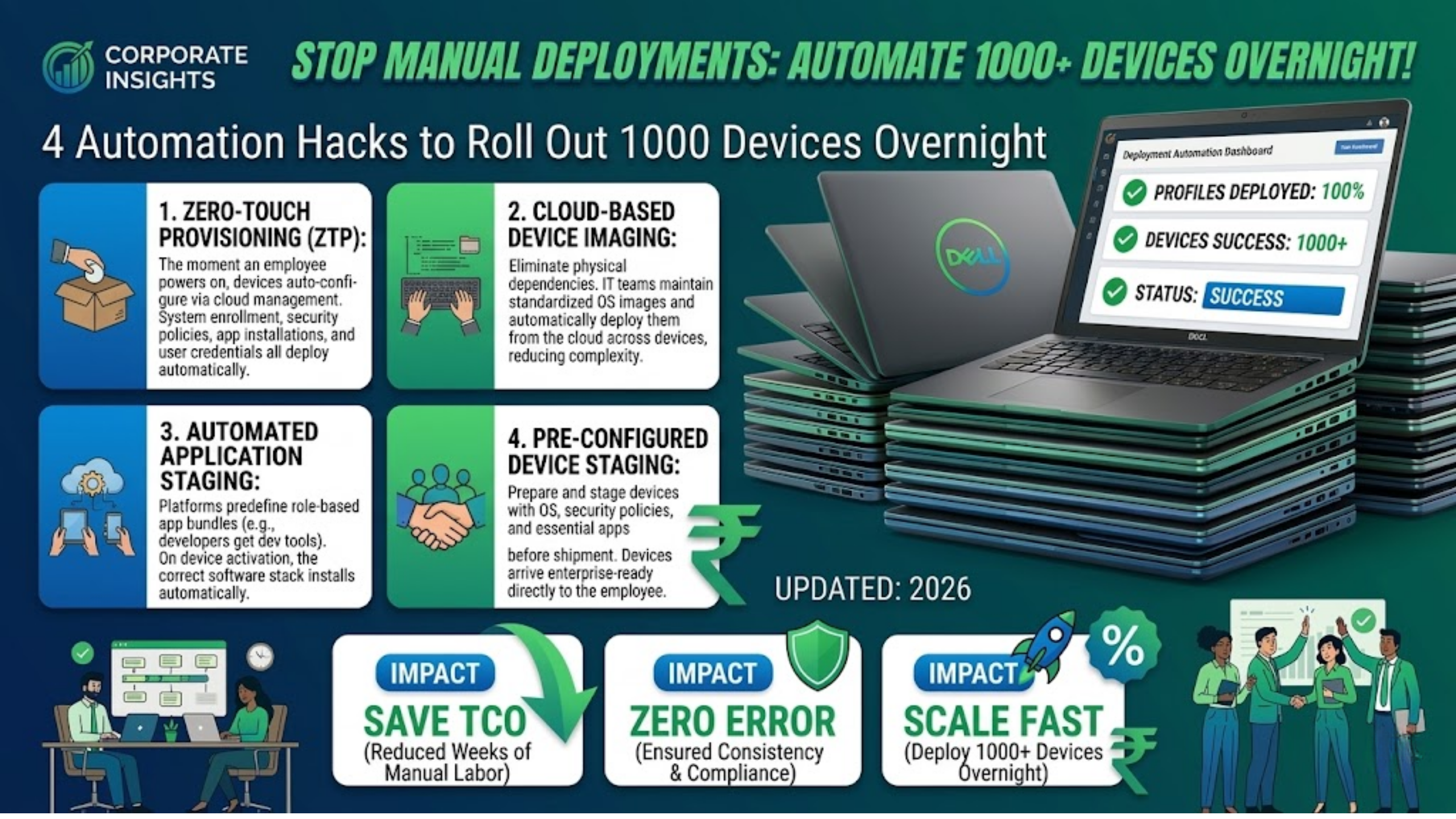
Rolling out devices across teams can often be time-consuming for IT departments. Manual setup, configuration, and distribution slow down onboarding and create operational overhead.

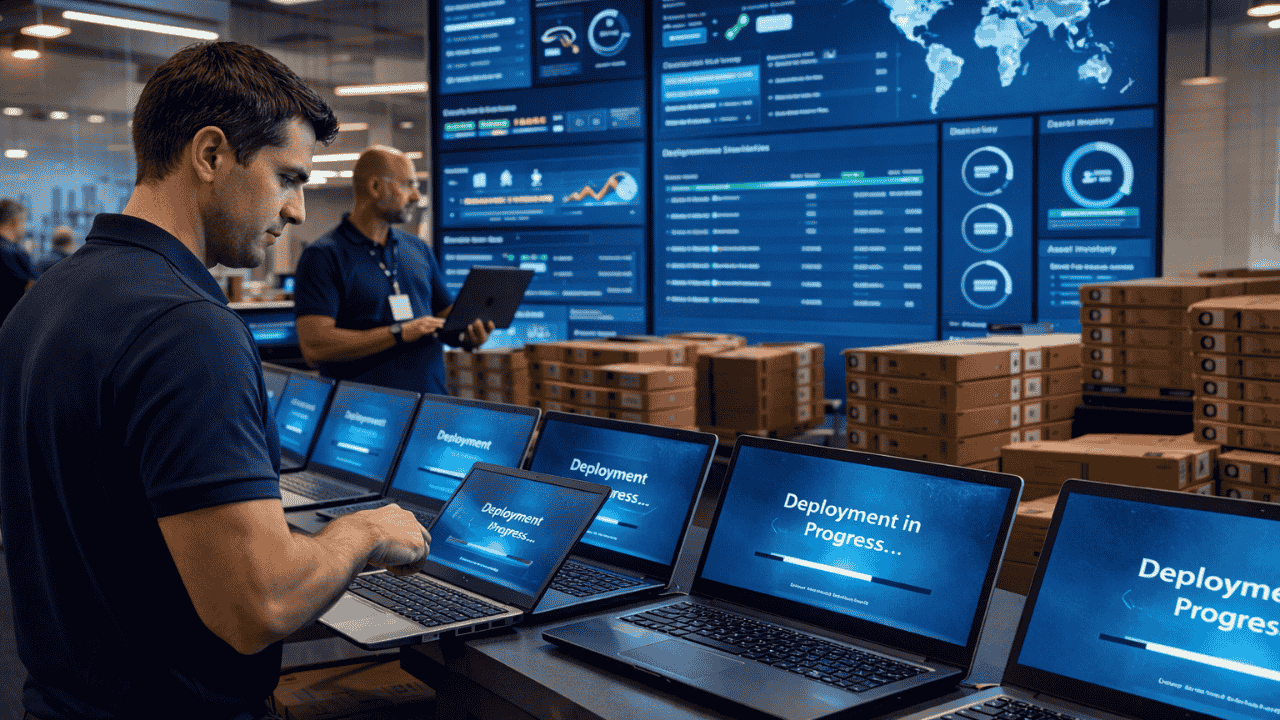
Team Computers simplifies Mac deployment with streamlined processes that enable faster rollouts.

From procurement to configuration and delivery, organizations benefit from a structured deployment approach that ensures every device is ready for use from day one.

Businesses can:

  • Deploy Mac devices across multiple teams and locations

  • Reduce manual setup efforts for IT teams

  • Ensure consistent device configuration across the organization

The result is a faster, more efficient device rollout process.

Zero-Touch Setup for Faster Employee Onboarding

In today’s hybrid and distributed workplaces, employees expect devices that work instantly.

With zero-touch deployment enabled by Team Computers, Macs arrive pre-configured and ready for employees to start working immediately.

IT teams no longer need to manually configure each device, allowing them to focus on strategic initiatives instead of routine setup tasks.

For employees, this means:

  • Faster onboarding experiences

  • Devices that are ready to work right out of the box

  • Minimal disruptions during device upgrades or replacements

Enterprise-Grade Device Management

Managing a growing fleet of devices requires visibility, control, and security.

Team Computers helps businesses implement modern Apple device management strategies that allow IT teams to monitor, manage, and update Mac devices efficiently.

Organizations gain the ability to:

  • Enforce security policies across all devices

  • Push updates and applications remotely

  • Maintain compliance and data protection standards

This centralized management approach ensures that Mac devices remain secure and optimized throughout their lifecycle.

End-to-End Apple Expertise

One of the biggest reasons businesses choose Team Computers for Mac deployment is the depth of expertise in enterprise Apple environments.

Instead of managing multiple vendors, organizations get a single partner that supports the entire Apple ecosystem — from consultation and procurement to deployment and ongoing support.

This ensures businesses receive:

  • Expert guidance on Mac adoption strategies

  • Reliable enterprise support

  • Optimized Apple infrastructure for long-term growth

A Smarter Way to Deploy Mac

As businesses embrace modern workplace strategies, having the right deployment partner becomes just as important as choosing the right device.

With Team Computers, organizations can confidently deploy Mac across teams, simplify IT operations, and create a better experience for employees.

By combining Apple technology with enterprise IT expertise, Team Computers helps businesses unlock the full potential of Mac in the workplace.

Mac in the Enterprise: Simplifying IT Operations for Growing Businesses

As businesses grow, their IT infrastructure must evolve to support larger teams, increased workloads, and modern digital workflows. Managing devices across departments, maintaining security, and ensuring consistent performance can become complex for IT teams.

This is where Mac devices are increasingly becoming a preferred choice in enterprise environments. Known for their reliability, performance, and secure architecture, Mac systems help simplify IT operations while enabling employees to work more efficiently.

With the right deployment strategy and support from experienced IT partners like Team Computers, organizations can integrate Mac devices into their enterprise environments smoothly and create a more streamlined IT ecosystem.

Reliable Performance for Business Operations

Growing businesses require devices that can handle demanding workloads without frequent downtime or performance issues. Mac systems are designed with powerful hardware and optimized software that work seamlessly together to deliver consistent performance.

This reliability helps reduce interruptions and allows employees to focus on their work rather than dealing with device-related issues. From business professionals and developers to creative teams, Mac devices can support a wide range of enterprise workflows.

Team Computers helps organizations identify the right Mac configurations based on their operational needs. By understanding the unique requirements of each business, Team Computers ensures that companies deploy devices that deliver both performance and long-term reliability.

Simplified Device Deployment and Management

Managing devices across growing teams can be a challenge for IT departments. Traditional deployment processes often require manual configuration and significant setup time before devices can be used by employees.

Mac devices support streamlined deployment processes that allow IT teams to configure and manage devices efficiently. New devices can be prepared and deployed quickly, reducing the time required for onboarding new employees.

Team Computers plays an important role in enabling this process for enterprises. Through structured deployment services and enterprise device management solutions, Team Computers helps organizations roll out Mac devices at scale while maintaining consistency and control across their IT environments.

Strong Security Built into the Platform

Security is a top priority for organizations as they manage sensitive data and critical business applications. Mac devices include built-in security features designed to protect systems, data, and user privacy.

Advanced security architecture, encryption capabilities, and system-level protections help reduce vulnerabilities and strengthen enterprise security frameworks.

Team Computers supports organizations by helping them implement the right security policies and device management strategies for Mac environments. By combining Apple’s built-in protections with enterprise IT expertise, Team Computers helps businesses maintain secure and compliant device ecosystems.

Supporting Modern and Hybrid Work Environments

Today’s workforce is increasingly mobile and distributed. Employees often work across offices, remote locations, and hybrid setups, which requires devices that can support flexible working environments.

Mac devices are designed to provide seamless performance across various work scenarios. With reliable connectivity, long battery life, and powerful processing capabilities, they enable employees to stay productive wherever they work.

Team Computers helps organizations deploy Mac devices that support modern work models. Through enterprise mobility solutions and IT support services, Team Computers ensures that businesses can provide their employees with devices that support productivity both inside and outside the office.

Reducing IT Support Complexity

As organizations grow, managing a large number of devices can significantly increase the workload for IT teams. Devices that require constant troubleshooting or maintenance can slow down operations and increase support costs.

Mac devices are known for their stability and efficient system architecture, which helps reduce the frequency of technical issues. This reliability allows IT teams to spend less time on routine troubleshooting and more time focusing on strategic initiatives.

Team Computers further simplifies IT operations by offering managed IT services and enterprise device lifecycle support for Mac environments. By providing proactive monitoring, support, and maintenance services, Team Computers helps businesses keep their IT infrastructure running smoothly.

Empowering Enterprise IT with Team Computers

Successfully adopting Mac within an enterprise environment requires the right strategy, deployment expertise, and ongoing support. Organizations must ensure that devices are configured correctly, integrated into their IT systems, and managed effectively throughout their lifecycle.

Team Computers helps businesses achieve this by providing end-to-end enterprise Apple solutions. From helping organizations select the right Mac devices to deploying them across teams and managing them efficiently, Team Computers supports the entire lifecycle of enterprise device management.

Through its expertise in enterprise IT services, device management, and Apple ecosystem integration, Team Computers enables businesses to create modern and efficient IT environments powered by Mac.

By combining reliable Apple technology with expert implementation and support, Team Computers helps growing businesses simplify IT operations, improve productivity, and build a scalable technology foundation for the future.

How Mac Helps Developers Build Faster and Smarter

Software development today demands speed, efficiency, and powerful tools. From writing code to testing applications and deploying them across platforms, developers rely heavily on their computing environment to maintain productivity and innovation.

Mac has increasingly become a preferred platform for developers because of its powerful hardware, developer-friendly operating system, and strong ecosystem of tools. Organizations looking to empower their engineering teams are also recognizing the advantages of adopting Mac as a development device.

With the right IT partner like Team Computers, businesses can deploy Mac devices effectively across development teams, ensuring that developers have the performance, security, and flexibility needed to build modern applications faster and smarter.

Apple Silicon Performance for Modern Development Workloads

Modern development workflows often involve running multiple applications simultaneously. Developers typically use code editors, local servers, browsers, containers, and testing environments at the same time. High performance and system stability therefore become essential.

Mac devices powered by Apple Silicon processors deliver exceptional speed and efficiency, allowing developers to manage heavy workloads with ease. Faster compilation times, smooth multitasking, and optimized performance help reduce waiting time and improve overall development productivity.

Through its enterprise Apple solutions, Team Computers helps organizations equip their development teams with the right Mac configurations that can support demanding development workflows. By aligning hardware capabilities with developer requirements, Team Computers ensures that teams experience consistent performance while building and testing applications.

A Unix-Based Environment That Developers Prefer

One of the key reasons developers prefer Mac is its Unix-based operating system. This architecture provides a stable and powerful environment that supports many of the tools and technologies used in modern software development.

The Unix foundation allows developers to work comfortably with command-line tools, scripting environments, and development frameworks commonly used for backend development, cloud computing, and system engineering.

Organizations adopting Mac for development environments often rely on the expertise of Team Computers to integrate these devices within their IT infrastructure. Team Computers ensures that Mac systems are deployed with the right configurations, security policies, and developer tools so teams can immediately start building without complex setup processes.

Optimized Development for Apple Platforms

For organizations building applications within the Apple ecosystem, Mac becomes an essential development platform. Businesses developing applications for iPhone and iPad require a Mac environment to design, test, and deploy their apps effectively.

Apple provides a powerful development environment through Xcode, which enables developers to build applications, simulate different devices, debug code, and monitor app performance in one integrated platform.

Team Computers supports organizations that develop applications for Apple platforms by helping them deploy and manage Mac environments across development teams. From device procurement to deployment and lifecycle management, Team Computers ensures that development teams have reliable systems ready to support continuous innovation.

Supporting Modern Development and Testing Workflows

Software development today requires continuous testing, integration, and deployment. Developers frequently run containers, testing frameworks, and multiple environments to ensure applications perform consistently across platforms.

Mac systems provide the performance and flexibility required to handle such workflows efficiently. Developers can manage multiple tools and environments simultaneously while maintaining system responsiveness.

Team Computers plays an important role in enabling these workflows by helping organizations integrate Mac devices into enterprise IT environments. Through managed IT services, device provisioning, and infrastructure support, Team Computers ensures that development teams can operate efficiently without technical interruptions.

Built-in Security for Development Environments

Security is a critical aspect of any development environment. Source code, intellectual property, and application data must remain protected throughout the development lifecycle.

Mac devices include advanced built-in security features such as secure boot processes, encryption, and privacy protections that help safeguard development environments. These capabilities reduce potential security risks and support compliance requirements within enterprise environments.

Team Computers strengthens this security framework by helping organizations implement structured device management and security policies for Mac devices. With the right deployment and monitoring strategies, Team Computers ensures that developer systems remain secure while maintaining productivity.

Creating a Better Developer Experience

Developer productivity is influenced not only by tools and performance but also by the overall work experience. Smooth workflows, responsive systems, and reliable devices allow developers to focus on solving complex problems rather than dealing with system limitations.

Mac devices provide a refined user experience, seamless multitasking, and compatibility with a wide range of development tools. This combination allows developers to build applications more efficiently while maintaining focus on innovation.

Through its Apple-focused enterprise solutions, Team Computers helps organizations create developer environments that prioritize performance, usability, and reliability. By delivering the right devices and support services, Team Computers enables teams to work smarter and maintain consistent productivity.

Empowering Development Teams with Team Computers

As businesses continue to rely on digital innovation, development teams require technology that supports speed, reliability, and scalability. Providing developers with powerful devices like Mac can significantly improve productivity and software delivery timelines.

Team Computers helps organizations adopt and manage Apple devices across their development environments through comprehensive enterprise services. From selecting the right Mac configurations to enabling seamless deployment and device management, Team Computers ensures that businesses can scale their development operations efficiently.

The company also supports organizations through managed IT services, enterprise device lifecycle management, and Apple ecosystem integration. This allows development teams to work across Mac, iPhone, and iPad environments when testing and building applications.

With a strong focus on enterprise technology solutions, Team Computers enables organizations to create modern development workspaces powered by Mac. By combining Apple’s powerful hardware with expert IT services, businesses can empower their developers to build faster, innovate smarter, and deliver high-quality applications with confidence.

Why Apple Devices Are Trusted for Business Security

As organizations continue to digitize their operations, protecting business data has become a top priority. With employees accessing corporate systems from multiple locations and devices, businesses face increasing risks related to data breaches, cyber threats, and unauthorized access.

A secure technology environment is essential not only to protect sensitive information but also to maintain productivity and operational continuity. When employees trust the security of their devices, they can focus on their work without worrying about potential risks.

This is why many organizations are turning to Apple devices to strengthen their workplace security.

Security Built Into the Core of Apple Devices

One of the biggest advantages of Apple devices is that security is built into both the hardware and software from the ground up.

Apple designs its devices with a secure architecture that protects critical data and prevents unauthorized access. Features such as secure boot processes, hardware-based encryption, and secure storage help ensure that sensitive information remains protected.

Unlike many traditional systems where security tools are added later, Apple integrates security directly into the design of its devices.

Advanced Privacy Features for Modern Businesses

Privacy has become a major concern for both organizations and employees. Apple devices are designed with strong privacy protections that give users greater control over their data.

Applications must request permission before accessing sensitive information such as files, camera, or location. This transparency helps prevent unauthorized data collection and reduces security risks.

For businesses, these privacy controls help maintain compliance and protect confidential company information.

Regular Updates That Keep Devices Protected

Cyber threats evolve constantly, making regular security updates essential for protecting devices and networks.

Apple provides frequent operating system updates that include security patches, performance improvements, and enhanced protections against emerging threats. These updates are designed to keep devices secure without disrupting the user experience.

For organizations managing multiple devices, having a consistent update ecosystem helps maintain a strong security posture across the workforce.

Secure Device Management for IT Teams

For IT departments, managing device security across an organization can be complex. Apple devices support enterprise device management solutions that allow businesses to configure, monitor, and secure devices remotely.

Through device management platforms, IT teams can enforce security policies, deploy applications, manage updates, and protect corporate data across all company devices.

This level of control helps organizations maintain strong security standards while keeping device management efficient.

Reliable Security That Supports Productivity

Security should enhance productivity rather than hinder it. Apple devices are designed to provide strong protection while maintaining a seamless user experience.

Employees can access their systems securely using features like biometric authentication and encrypted storage, without dealing with complicated security processes.

By combining security with simplicity, Apple devices allow employees to work efficiently while keeping business data safe.

Enabling Secure Apple Deployments with the Right Partner

While Apple devices offer strong built-in security, organizations often require expert support to deploy and manage them effectively across their workforce.

Experienced technology partners such as Team Computers help businesses implement Apple solutions securely and efficiently. From device deployment and configuration to ongoing management and support, they enable organizations to create a secure and scalable Apple-powered workplace.

With the right strategy and technology partner, businesses can ensure their workforce stays both productive and protected.

Building a Secure Digital Workplace

As cyber threats continue to evolve, businesses must adopt technology platforms that prioritize security without compromising usability.

Apple devices provide a powerful combination of built-in security, privacy protection, and reliable performance. When integrated properly into an organization’s technology ecosystem, they help create a secure digital workplace where employees can work confidently and efficiently.

How Apple Devices Help Boost Employee Productivity in the Modern Workplace

In today’s fast-paced business environment, employee productivity has become one of the most important drivers of business success. As organizations adopt hybrid work models and digital collaboration tools, employees need devices that help them work efficiently without interruptions.

Slow systems, frequent technical issues, or complicated workflows can significantly affect performance and morale. Businesses today are therefore investing in technology that allows employees to focus on their work rather than dealing with technical limitations.

This is where Apple devices such as Mac, iPhone, and iPad are increasingly becoming the preferred choice for modern organizations.

Powerful Performance That Keeps Work Moving

Apple devices are designed to deliver exceptional performance for everyday business tasks as well as demanding professional workflows.

With Apple Silicon powering modern Macs, employees can experience faster processing speeds, seamless multitasking, and improved efficiency across applications. Whether it’s managing large data sets, running creative software, or handling multiple applications simultaneously, Apple devices help employees complete tasks faster.

Long battery life also ensures employees remain productive throughout the day—whether they are working in the office, at home, or while traveling.

A Seamless Ecosystem That Simplifies Work

One of the biggest advantages of using Apple devices in the workplace is the seamless integration across the Apple ecosystem.

Employees can move effortlessly between their Mac, iPhone, and iPad while continuing the same workflow. Tasks started on one device can easily be continued on another, helping employees stay productive without disruptions.

For example, employees can answer calls on their Mac, transfer files instantly between devices, or use an iPad as a secondary display. These features eliminate unnecessary steps and make everyday work processes faster and more efficient.

Better Collaboration for Modern Teams

Effective collaboration is essential in today’s workplace, especially when teams are spread across multiple locations.

Apple devices support a wide range of collaboration platforms and productivity applications, ensuring employees can communicate and work together without delays. High-quality displays, powerful processors, and reliable connectivity help teams participate in meetings, share files, and collaborate on projects smoothly.

As a result, employees can stay aligned and productive regardless of where they are working from.

Built-In Security That Protects Business Data

Security is another important factor that directly impacts productivity. When employees constantly worry about security risks or system vulnerabilities, it can disrupt workflows and create additional IT challenges.

Apple devices are built with strong security features designed to protect sensitive business information. From secure hardware architecture to advanced privacy controls, Apple devices help safeguard data while keeping the user experience simple and efficient.

This balance between security and usability allows employees to work confidently without unnecessary interruptions.

Reliable Technology That Reduces Downtime

Device reliability plays a crucial role in maintaining employee productivity. Frequent system crashes, slow performance, or constant troubleshooting can significantly reduce efficiency.

Apple devices are known for their stability, long lifecycle, and consistent performance. For organizations, this means fewer technical disruptions, lower maintenance requirements, and a smoother working experience for employees.

Reliable technology helps businesses ensure that their workforce stays focused on delivering results rather than resolving technical issues.

Enabling Productivity with the Right Technology Partner

While the right devices play an important role in improving productivity, successful technology adoption also depends on the right implementation and support.

Organizations often require assistance with selecting the right devices, deploying them efficiently, and managing them across teams and locations. This is where experienced technology partners become essential.

Companies like Team Computers help businesses integrate Apple devices into their workplace environment with the right guidance, deployment support, and enterprise solutions. With expertise in enabling Apple for business environments, they help organizations create a technology ecosystem that enhances productivity, collaboration, and operational efficiency.

Building a More Productive Workplace

Employee productivity is no longer just about working harder, it’s about working smarter with the right tools.

Apple devices provide a powerful combination of performance, seamless integration, security, and reliability that helps employees stay focused and efficient throughout their workday. When supported by the right technology partner, businesses can fully unlock the potential of Apple devices to create a modern, productive workplace.

“We’re Not the Target” Is the Most Dangerous Cyber Assumption

Many mid-sized enterprises quietly believe:

“We’re not large enough to attract serious attackers.”

That assumption might have been partially true a decade ago.

It is no longer relevant.

AI has removed the need for attackers to choose targets manually.

Now they scan everyone.

Targeted vs Automated Attacks

Traditional hacking required:

  • Skill
  • Time
  • Manual reconnaissance

Modern AI-driven attacks rely on:

  • Automated vulnerability scanning
  • Bulk phishing campaigns
  • Credential harvesting bots
  • Ransomware kits-as-a-service

Attackers no longer ask:

“Who should we attack?”

They ask:

“Who is exposed?”

The Scale Equation

AI can scan thousands of organizations overnight for:

  • Open ports
  • Misconfigured cloud storage
  • Weak credentials
  • Expired certificates
  • Outdated software

No bias.
No discrimination.
No size preference.

Exposure is mathematical.

Why Mid-Sized Enterprises Are Attractive

Ironically, mid-market firms often have:

  • Valuable client data
  • Intellectual property
  • Less mature security controls
  • Limited 24/7 monitoring

This combination increases risk.

Not because they are targeted.

But because they are accessible.

The Shift in Mindset

Security maturity should not correlate with company size.

It should correlate with digital exposure.

The better question is not:

“Are we a target?”

It is:

“How visible are we?”

And visibility in an AI-scanning world is high by default.

Final Reflection

Cyber risk has democratized.

AI has made large-scale scanning effortless.

The organizations that acknowledge this early will adapt quietly and effectively.

The ones that dismiss it may eventually learn through disruption.

Being “too small to hack” is no longer a strategy.

It is a vulnerability.

AI Isn’t the Risk. Shadow AI Is.

Ask your IT team how many AI tools are currently being used across the organization.

Now multiply that number by three.

Because most of them don’t know.

AI adoption inside enterprises is happening bottom-up. Employees use AI tools to:

  • Draft proposals
  • Analyze spreadsheets
  • Summarize contracts
  • Generate code
  • Review financial reports

Productivity has improved.

Visibility has not.

The Misunderstood Risk

The risk is not AI itself.

The risk is uncontrolled data movement.

Consider this:

An employee uploads:

  • A client contract
  • A proprietary algorithm
  • Financial projections
  • Source code

Into a public AI interface.

That data leaves the enterprise boundary instantly.

Even if it is not stored permanently, governance questions remain:

  • Was it logged?
  • Was it encrypted?
  • Was it authorized?
  • Is it compliant with sectoral regulations?

Most enterprises do not have clear AI usage policies.

Shadow AI Is the New Shadow IT

A few years ago, IT teams struggled with unsanctioned SaaS platforms.

Today, the same pattern is repeating with generative AI tools.

But the stakes are higher because AI tools process contextual, high-value information.

The exposure is subtle.

There is no breach notification.

No malware infection.

Just quiet data drift.

Why Leaders Should Pay Attention

AI risk is not theoretical.

It impacts:

  • Data privacy obligations
  • Intellectual property protection
  • Regulatory compliance
  • Vendor risk frameworks
  • Audit transparency

Investors and boards are beginning to ask:
“What is our AI governance model?”

Silence is not a strategic answer.

The Real Awareness Shift

The conversation should move from:

“Is AI allowed?”

To:

“How is AI governed?”

Enterprises that treat AI risk as a governance issue—not just a security issue—will build sustainable advantage.

The rest will react after policy failures or compliance scrutiny.

AI is not the threat.

Opacity is.

What Happens at 3:07 AM During a Cyber Attack?

Most enterprise leaders have never seen a cyber attack in motion.

They’ve seen dashboards.
They’ve seen alerts.
They’ve seen post-incident reports.

But very few have walked through what actually happens between the moment a malicious email is opened and the moment data leaves the building.

Let’s simulate 3:07 AM.

No drama. No exaggeration. Just reality.

3:07 AM — The Entry

An employee credential was harvested two days ago through a convincingly written AI-generated email. No malware. No suspicious attachments. Just authentication reuse.

The attacker logs in using valid credentials.

There is no firewall breach.

There is no loud alarm.

From a system perspective, it looks like a user signing in from a slightly unusual location.

That anomaly is small enough to be ignored.

3:12 AM — Privilege Escalation

The attacker runs automated scripts to identify:

  • Admin accounts
  • Shared drives
  • Cloud storage repositories
  • Backup configurations

AI tools help map the environment in minutes.

This used to take hours.

Now it takes less than ten minutes.

3:19 AM — Lateral Movement

The system does not recognize it as malicious activity because:

  • The login credentials are valid
  • The behavior mimics human interaction
  • The movement pattern stays below detection thresholds

No ransomware yet.

Just quiet observation.

3:32 AM — Data Packaging

Sensitive files are compressed.

Financial records.
Intellectual property.
Customer databases.

Data exfiltration begins in small encrypted packets to avoid traffic spikes.

Most monitoring systems flag volume, not subtle patterns.

4:10 AM — The Decision

Now the attacker has options:

  • Sell data silently
  • Launch ransomware
  • Deploy double extortion

By the time employees log in at 9 AM, the breach has already matured.

Why This Scenario Matters

The majority of modern attacks do not “break in.”
They log in.

AI has removed friction from reconnaissance and automation from exploitation.

The uncomfortable truth:
Security designed around perimeter defense and signature detection cannot always identify identity-based threats early enough.

This is not about panic.

It is about clarity.

The Real Question

If an attack began tonight at 3:07 AM:

  • How quickly would you know?
  • Would detection happen before data exfiltration?
  • Would response be automated or manual?
  • Would leadership find out from internal alerts or public disclosure?

Cyber resilience is not about tools.
It is about time.

Detection time.
Response time.
Containment time.

The 3 AM question is simple:

Do you know what would happen?